9
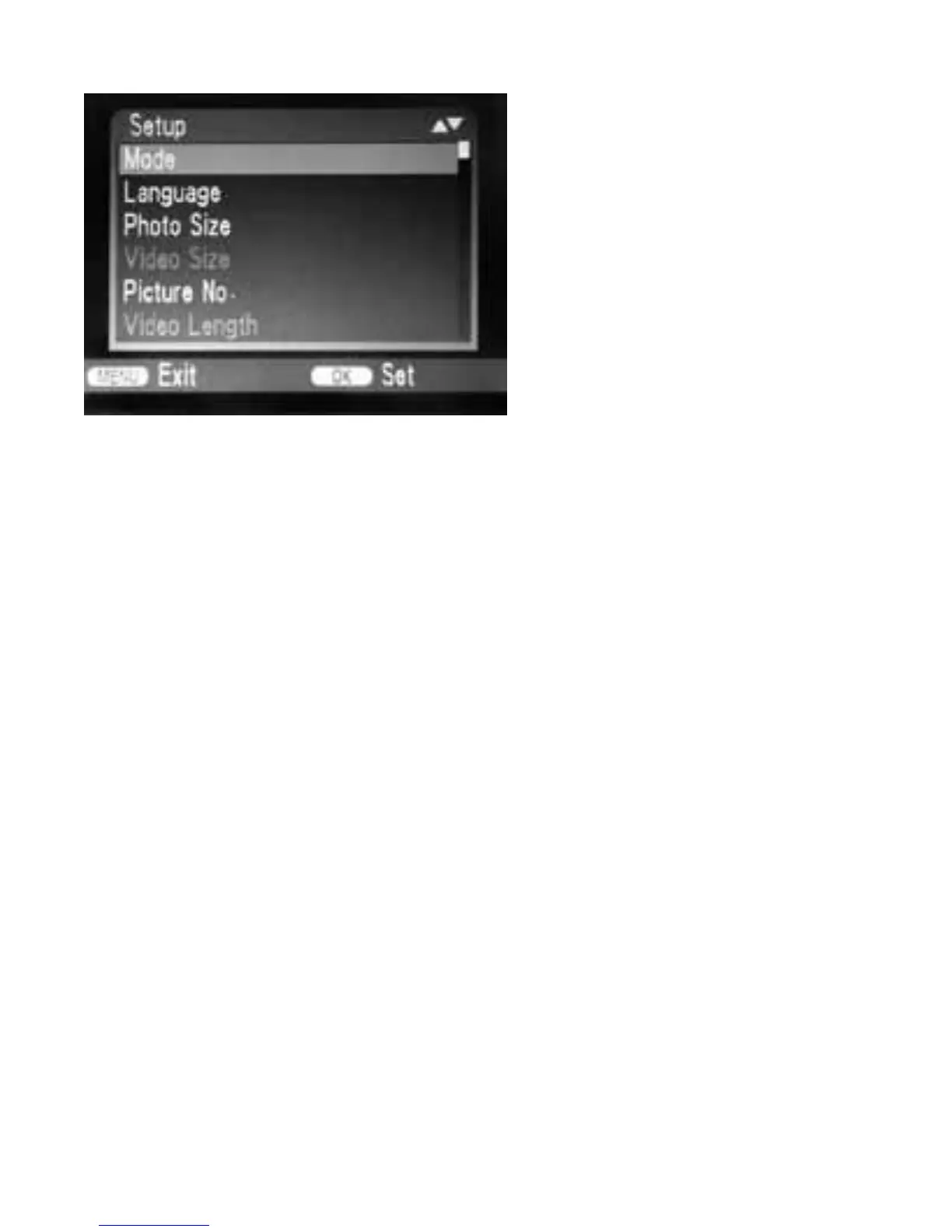
3.1 Mode
To select whether photos or videos
are to be recorded in motion detection
mode. In “Cam + Video” mode, the
camera rst takes a photo and then
starts lming video. In “Camera”
mode,”Video Size”,”Video Length” are
unavailable. In”Video” mode,”Photo
Size”,”Picture No.” are unavailable.
3.2 Language
Here you can set English, Chinese, German, Finnish, Swedish, Danish, French, Czech, Norwe-
gian, Slovak, Russian, Italian, Spanish, or Portuguese as the menu language.
3.3 Photo Size
Select a photo size: 1 MP, 3 MP, 5 MP (preset), 8 MP, 12MP, 16MP. The larger the le size, the
more detailed the image.
3.4 Video Size
Select the screen resolution: 1280 × 720, 720 × 480, 640 × 480 or 320 × 240. Here too, the
higher the resolution, and the faster the memory card capacity will be reached.
3.5 Photo No.
Select the number of photos that are to be taken in succession when the camera is activated
in photo mode. In addition to single shot mode (01 photo), you can take 2 photos in series (02
photo) or 3 photos in series (03 photo).


 To Next Page