PUTTING THE MOBILE PHONE INTO OPERATION
CHARGING THE BATTERY
Charging the Battery
Your mobile phone battery is fully charged after approx� 2 hours�
Some batteries only reach their full capacity after several complete
charge/discharge cycles� If the battery is fully discharged, it may
take some time before the mobile phone switches on and displays
the charging process�
Before starting to charge the battery, check that it has been installed
properly�
IMPORTANT! Do not remove the battery while the battery is
being charged� This could damage the mobile phone�
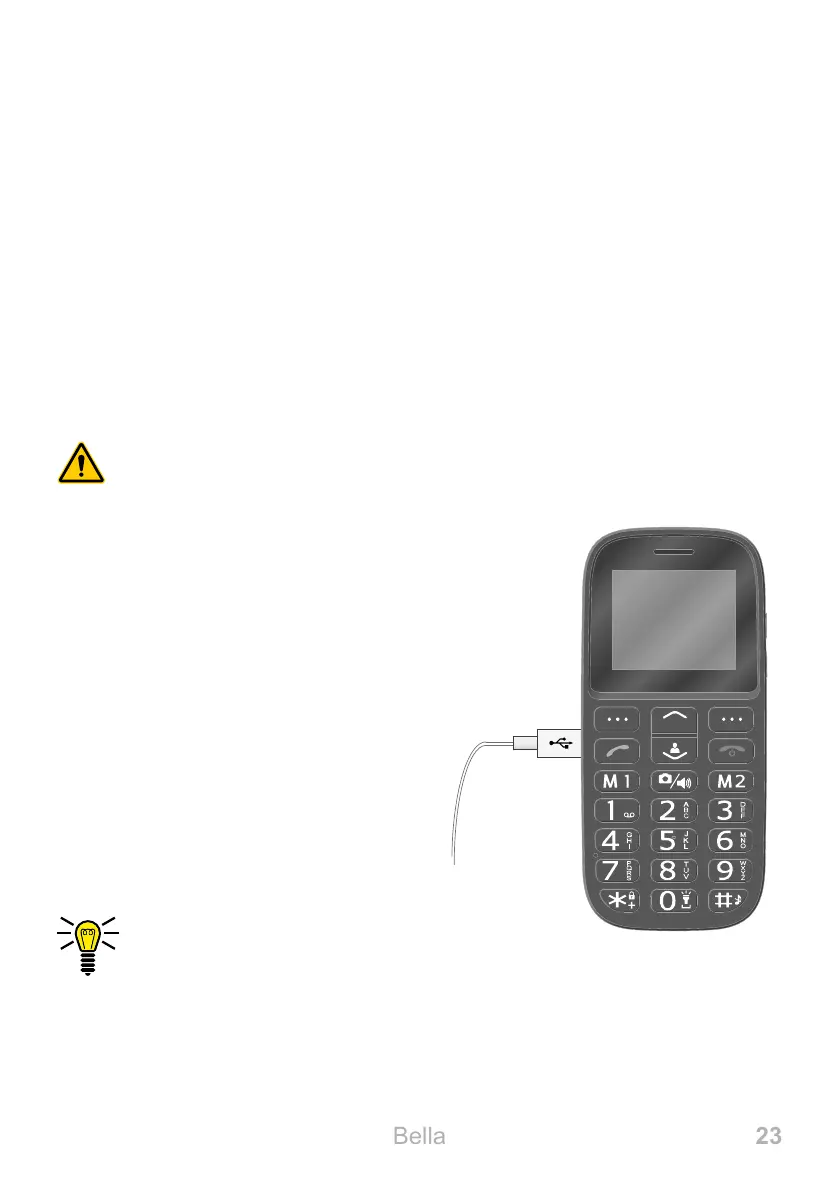
Charging the battery, charging
adapter
1 Connect the power plug to a
properly installed power socket�
2 Connect the microUSB plug to
the microUSB connection port
on the mobile phone� Ensure
that the microUSB plug is cor-
rectly aligned to the microUSB
connection port when connect-
ing it�
The charging process is
indicated in the display by
means of a charging battery icon�



 To Next Page