USING THE MOBILE PHONE
QUICK ACCESS
Quick Access
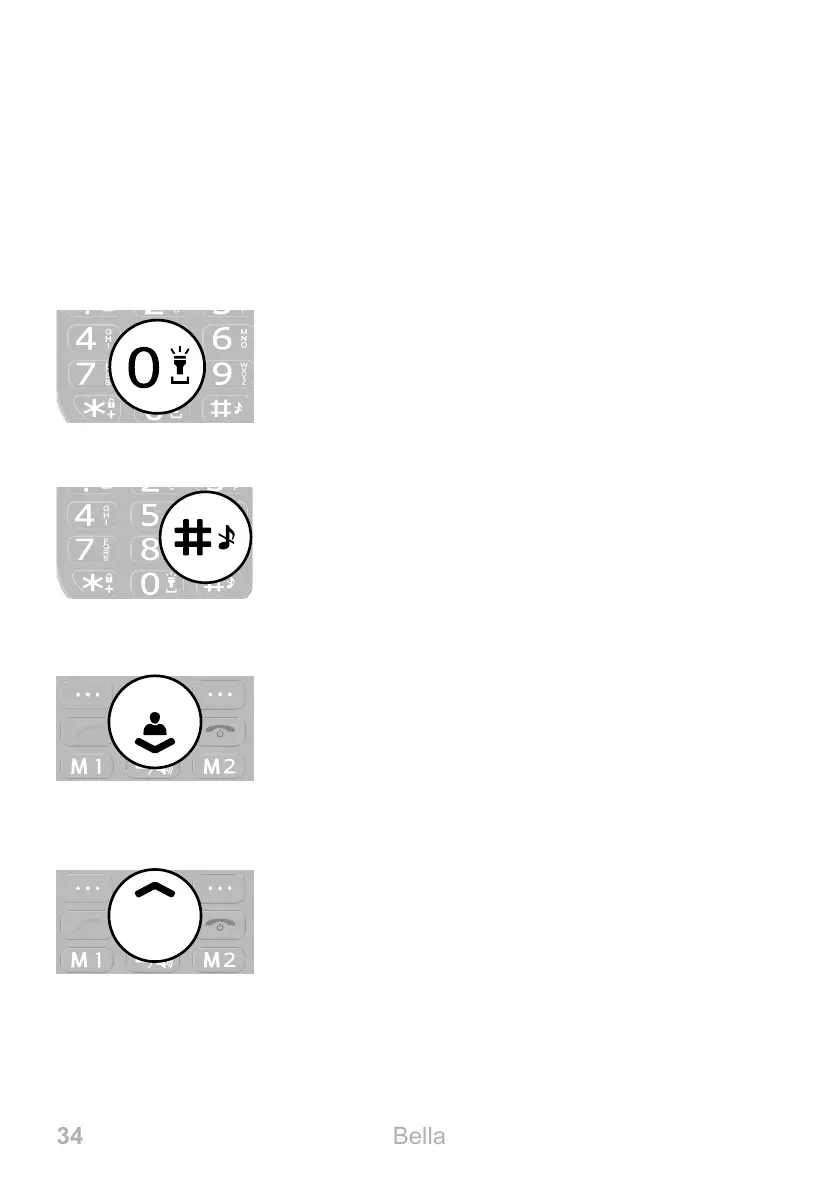
You can use some keys on your phone as quick access keys� A
quick access is performed directly on the start screen�
Torch
Press and hold the 0 key to switch the mobile
phone's torch on and off�
User Proles
Press and hold the Hash key to switch between
the available user proles. Further information is
provided in Section User Proles on
Page 85�
Phone Book
Open the Phone Book menu� Further informa-
tion is provided in Section Phone Book on
Page 43
Text Messages
Open the Text Messages menu� Further infor-
mation is provided in Section Writing a Text
Message on Page 49�



 To Next Page