Quick Reference CM 1810 plus
plusplus
plus Cash Register (13)
Olympia 08.2002 Page 9 Rights to make technical changes reserved!
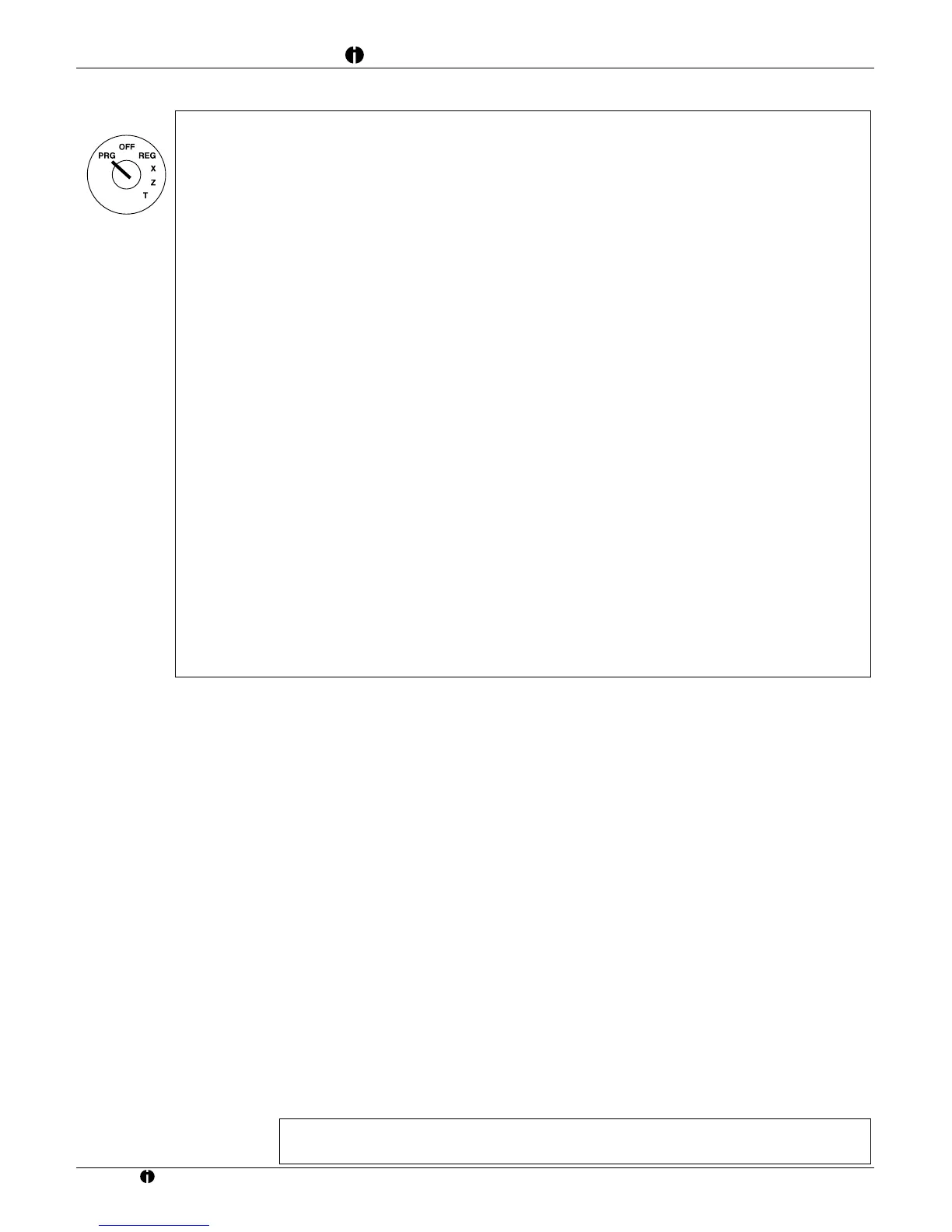
Only carry out the following entries when you are familiar with programming process!
Caution:
After pressing the following key combination, the daily sales, grand total and all programmed settings
(departments, PLUs, Flags etc.) are deleted.
D CLEAR appears in the display.
N All programmed settings and sales figures are deleted.
After pressing the following key combination, all the programmed settings (departments, PLUs, etc.) are
deleted and reset to their "default state".
E DEFAULT appears in the display.
N The department and PLU prices are reset.
After pressing the following key combination, the grand total is reset. It is only executed when the Full Z-
report was printed out beforehand.
L CLEAR appears in the display.
N The grand total is deleted.
After pressing the following key combination, the total sales is deleted.
G CLEAR appears in the display.
N The total sales is deleted.
After pressing the following key combination, the electronic journal is deleted.
] CLEAR appears in the display.
N The electronic journal is deleted.
After pressing the following key combination, the programmed prices are converted to EURO. It can only
be executed when all the Z-reports were printed out beforehand.
4068+Z Programmed prices are converted to EURO.
Set grand total
Max. 13 digits +
E The grand total entered is stored.
Set Z-report counter
1 + max. 4 digits + P The value entered for the Z-report counter is stored.
Error messages: operation
Error messages appear in the display, and an acoustic signal is issued, as a result of incorrect operation.
J Error message is cleared
Error message Cause
E00 Incorrect key pressed
E01 Incorrect key operation sequence
E02 Manually entered PLU is incorrect or the maximum number of digits which may be
entered has exceeded the permitted limit
E03 Result exceeds permitted number of digits or is zero
E04 Access to, or operation using departments/PLUs is rejected or maximum number of digits
which may be entered has exceeded the permitted limit
E05 Result (price) is negative
E10 Printer memory is full
E20 Transaction memory is full or there is insufficient foreign currency in the cash drawer for
the change required
EJ (EJ-FULL) Electronic journal memory is full
E22 The data in the electronic journal was not printed prior to the Z-reports
LOG- - - - Four digit clerk code must be entered
EJ END Electronic journal memory is almost full
Error messages: printer
In the case of a printer error, the message Prn – J appears in the display. Switch the cash register off immediately and
unplug the power connector. Check that the paper rolls and ribbon are installed correctly, whether the paper or ribbon are
damaged or objects have fallen into the printer mechanism. Remove them if they have.
Caution: Remove any objects extremely carefully. Do not use knives, screwdrivers or similar tools
to help. Never apply force. This may damage the printer mechanism.



 To Next Page