Quick Reference CM 1810 plus
plusplus
plus Cash Register (13)
Olympia 08.2002 Page 8 Rights to make technical changes reserved!
Programming currency conversion
Refer to the Operating Instructions for more detailed information.
Euro in the period 01.01.2002-28.02.2002
Local currency = Euro
FLAG 39 and FLAG 59 must have the following settings:
FLAG 39 = 11110x (x = 0 or 1)
FLAG 59 = 1
X Activate the currency conversion program
052195583 Define the conversion factor for EC card payments (FCE 1)
0 = compulsory entry; 5 = decimal places of the six-digit conversion
factor; 2 = decimal point for the currency (DEM)
N Move to the next setting
052195583 Define the conversion factor for check payments (FCE 2)
0 = compulsory entry; 5 = decimal places of the six-digit conversion
factor; 2 = decimal point for the currency (DEM)
N Move to the next setting
052195583 Define the conversion factor for cash payments in DEM and Euro
table (three-way currency conversion, FCE 3)
0 = compulsory entry; 5 = decimal places of the six-digit conversion
factor; 2 = decimal point for the currency (DEM)
N Move to the next setting
042403399 Define the conversion factor for the first foreign currency (e.g.
Belgian Francs, BFR)
0 = compulsory entry; 4 = decimal places of the six-digit conversion
factor; 2 = decimal point for the foreign currency
N Move to the next setting
Enter foreign currencies 5 to 9 correspondingly
P Close the currency conversion program
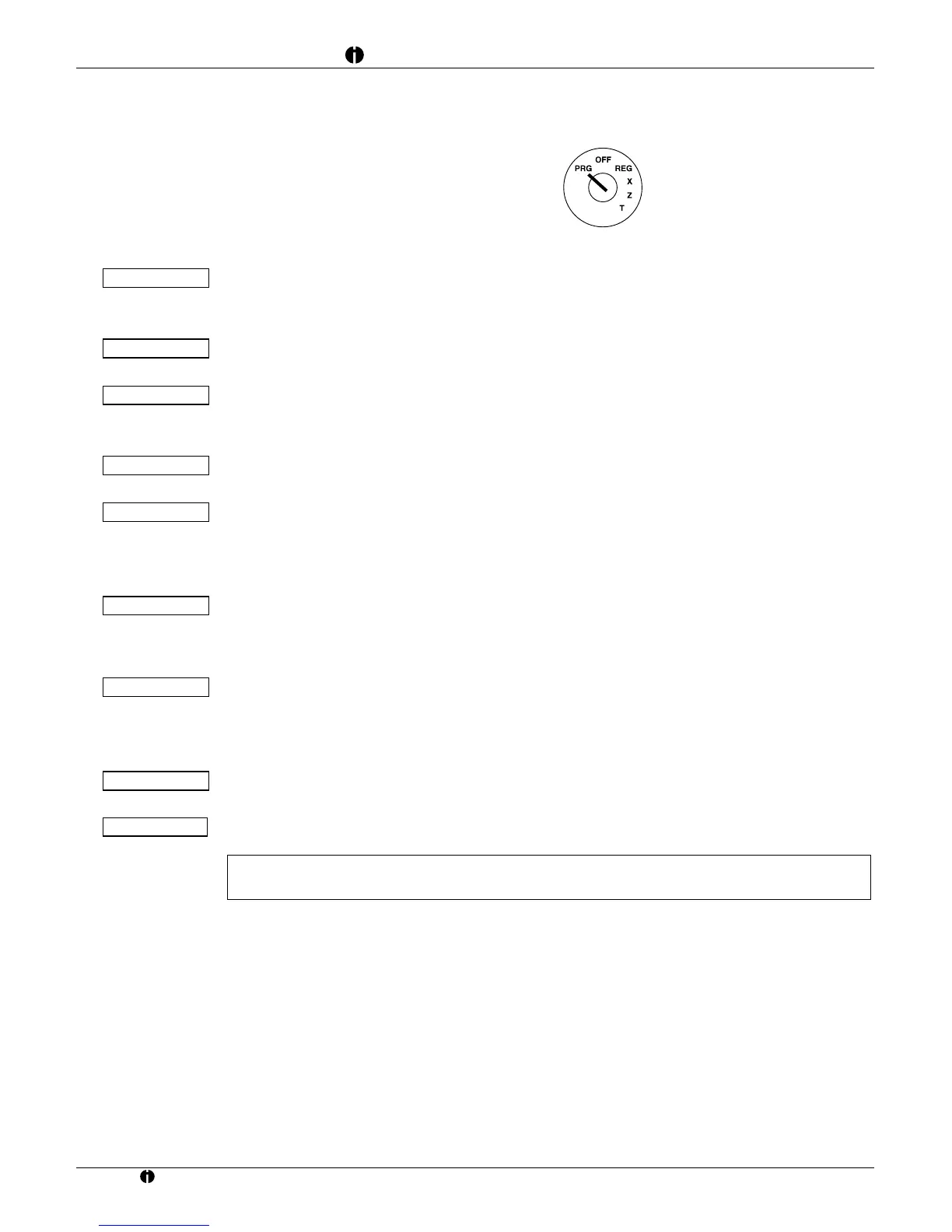
Note: During the programming procedure (key position: PRG), all entries made up to the last storing
process using the
N key can be corrected by means of the J key.
I
H
19558



 To Next Page