G
23
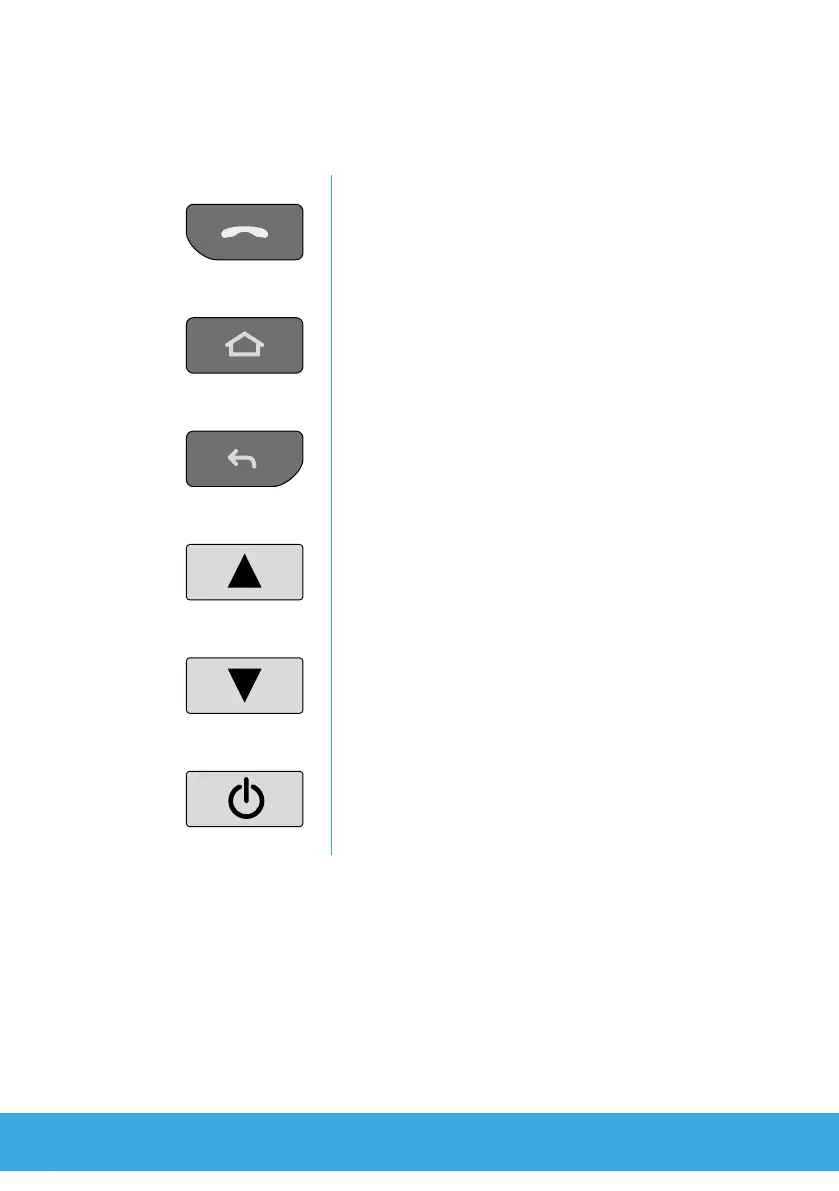
3.1 Function Keys
The following overview indicates the function keys/buttons availa-
ble. There is also an SOS key on the rear side of the smartphone.
Call button
Open the telephone function, take a call and
end a call in progress.
Home key
Switch to the start screen and switch be-
tween applications (keep pressed).
Back button
Navigate one menu step back.
Increase volume button
Increase the volume of ringing tones, conver-
sations and media playback (louder).
Lower volume button
Lower the volume of ringing tones, conversa-
tions and media playback (quieter).
On/O button
Switch the smartphone on/o, restart it or
create a screenshot.



 To Next Page