PUTTING THE MOBILE PHONE INTO OPERATION
CHARGING THE BATTERY
Charging the Battery
When charging the battery for the rst time, it should be charged for at least two
hours. Some batteries only reach their full capacity after several complete charge/
discharge cycles. If the battery is fully discharged, it may take some time for the
charging process to be indicated.
Before starting to charge the battery, check that it has been installed properly.
IMPORTANT! Do not remove the battery while the battery is being
charged. This could damage the mobile phone.
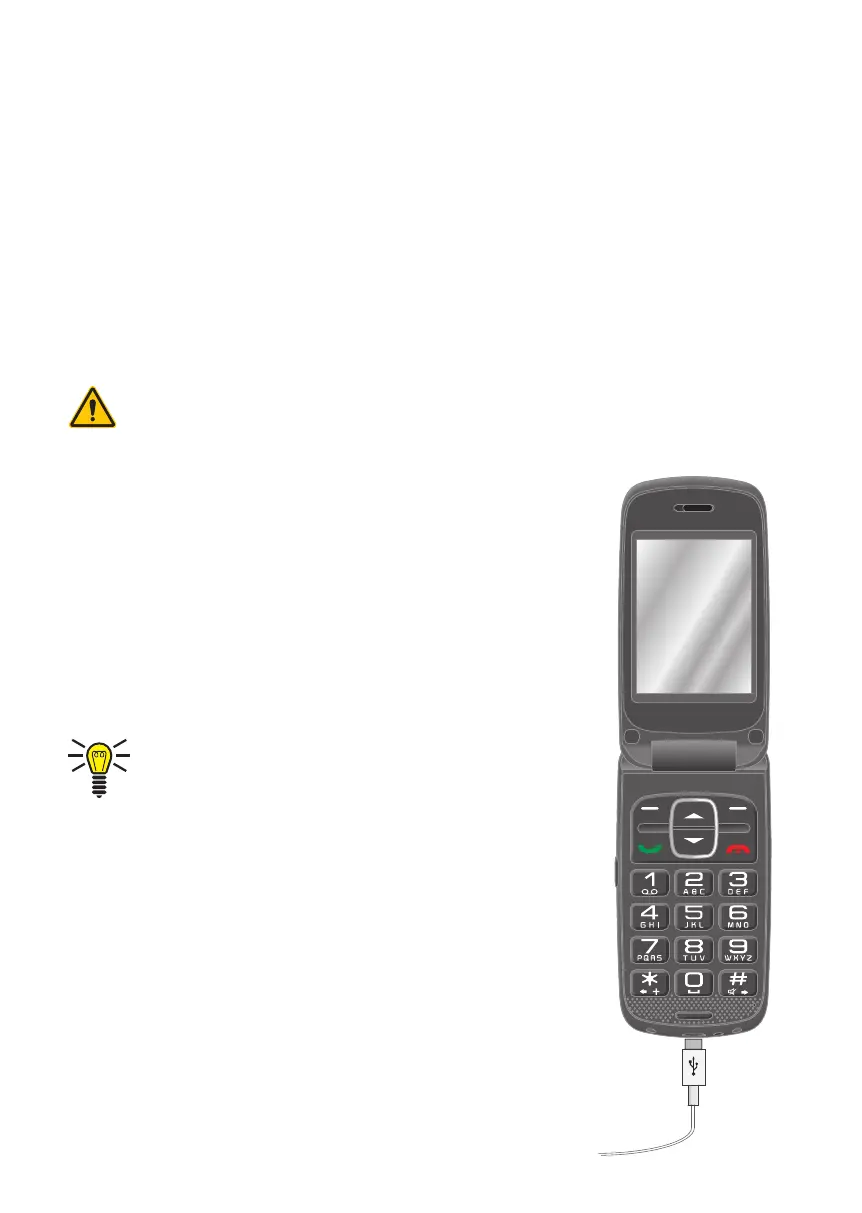
Charging the Battery, Charging Adapter
1 Connect the power plug to a properly installed pow-
er socket.
2 Connect the microUSB plug to the microUSB con-
nection port on the mobile phone. Ensure that the
microUSB plug is correctly aligned to the microUSB
connection port when connecting it.
The charging process is indicated in the display
by means of a charging battery icon.



 To Next Page