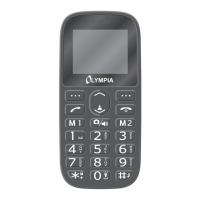
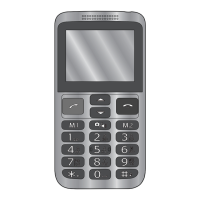
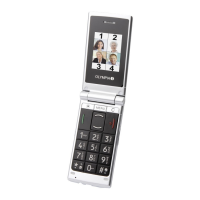
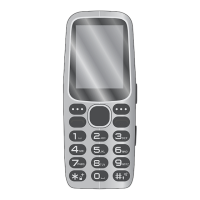
MOBILE PHONE MENU
TEXT MESSAGES
Deleting Text Messages
If you want to delete a text message, proceed as follows.
1 Press the left-hand softkey to open the main menu.
2 Navigate to ┣TEXTMESSAGES┫ è ┣INBOX┫.
3 Select the required text message.
4 Select ┣DELETE┫ and conrm the prompt. The text message is deleted
Saving Phone Numbers in the Phone Book
If you want to save a phone number, from which you have received a text mes-
sage, in your phone book, proceed as follows.
1 Press the left-hand softkey to open the main menu.
2 Navigate to ┣TEXTMESSAGES┫ è ┣INBOX┫.
3 Select the required text message.
4 Select ┣SAVETOPHONEBOOK┫.
5 Select the storage location and enter a name.
6 Select ┣SAVE┫. The phone number from which a text message was received is
stored as a phone book entry.


 To Next Page