PUTTING THE MOBILE PHONE INTO OPERATION
SWITCHING THE MOBILE PHONE ON AND OFF
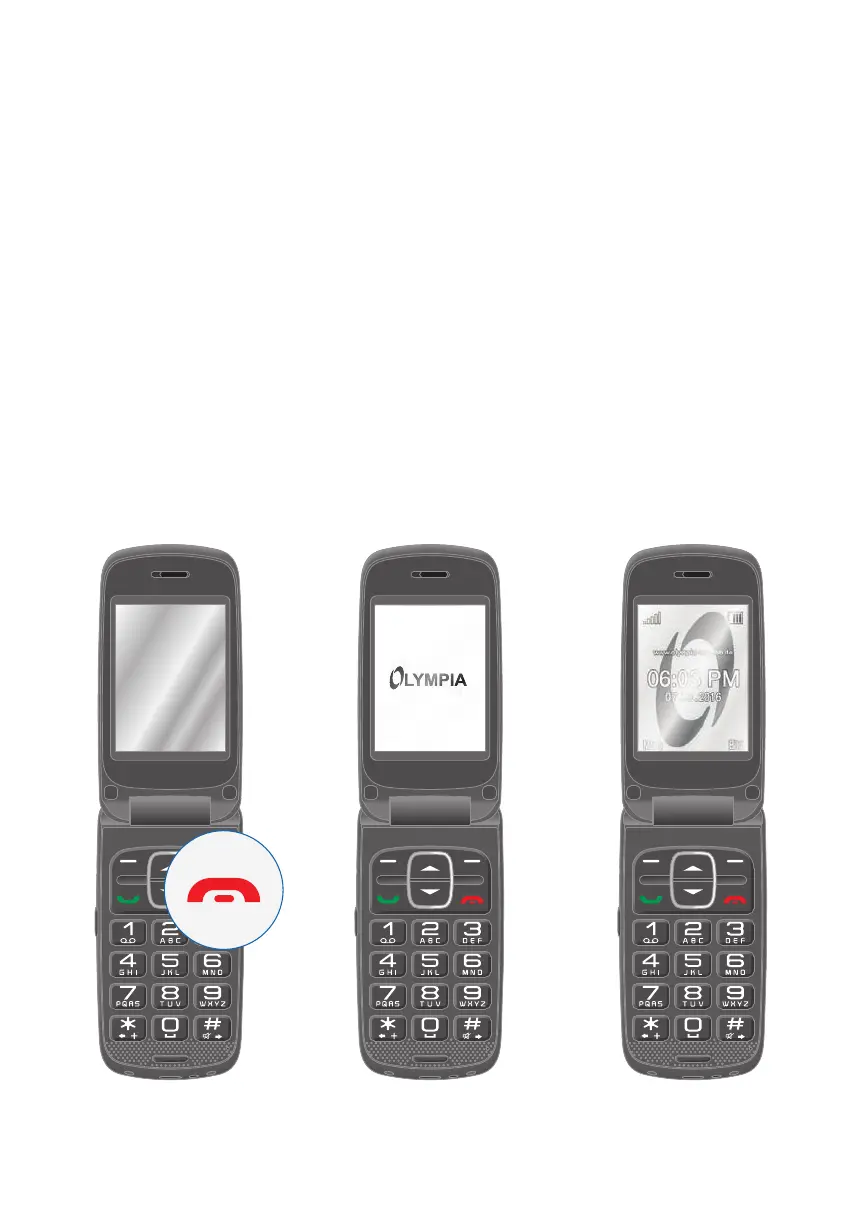
Switching the Mobile Phone On and Off
1
Press and hold the On-hook key for three seconds.
Some SIM cards will require you to enter a PIN code. Follow the instructions on
the screen.
2 An animated graphic appears at rst and then the start screen appears.
3 As soon as the name of your network operator appears in the middle of the
display, your mobile phone has connected to the network and is ready for use.
1 2 3



 To Next Page