USING THE MOBILE PHONE
NAVIGATING IN THE MENU
Using the Mobile Phone
This section explains how to navigate through the mobile phone menus, enter
phone numbers and letters and how you can respond to incoming and outgoing
calls.
Navigating in the Menu
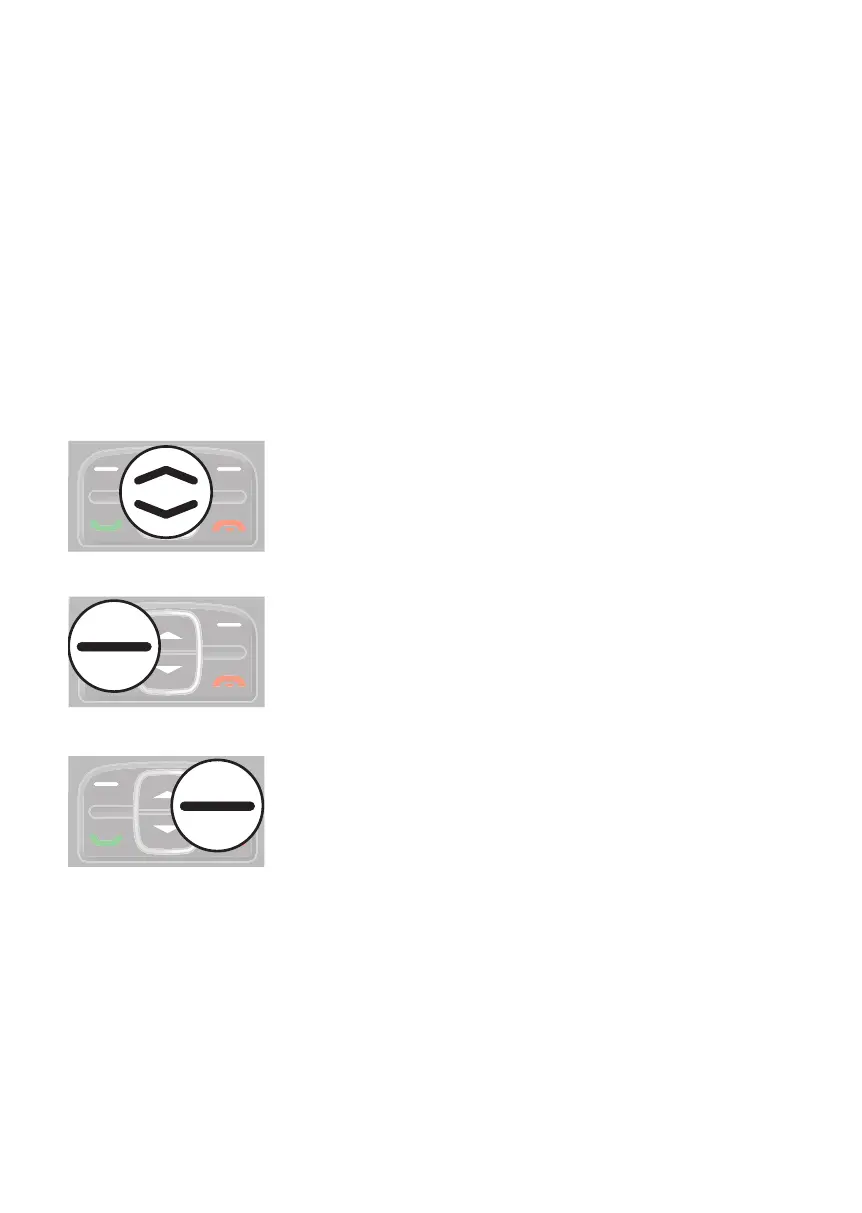
Use the following keys to navigate through the menus provided by the mobile
phone.
Navigate up and down in the menu.
Open submenus and conrm entries.
Navigate one menu level back or discard all your entries
and settings.



 To Next Page