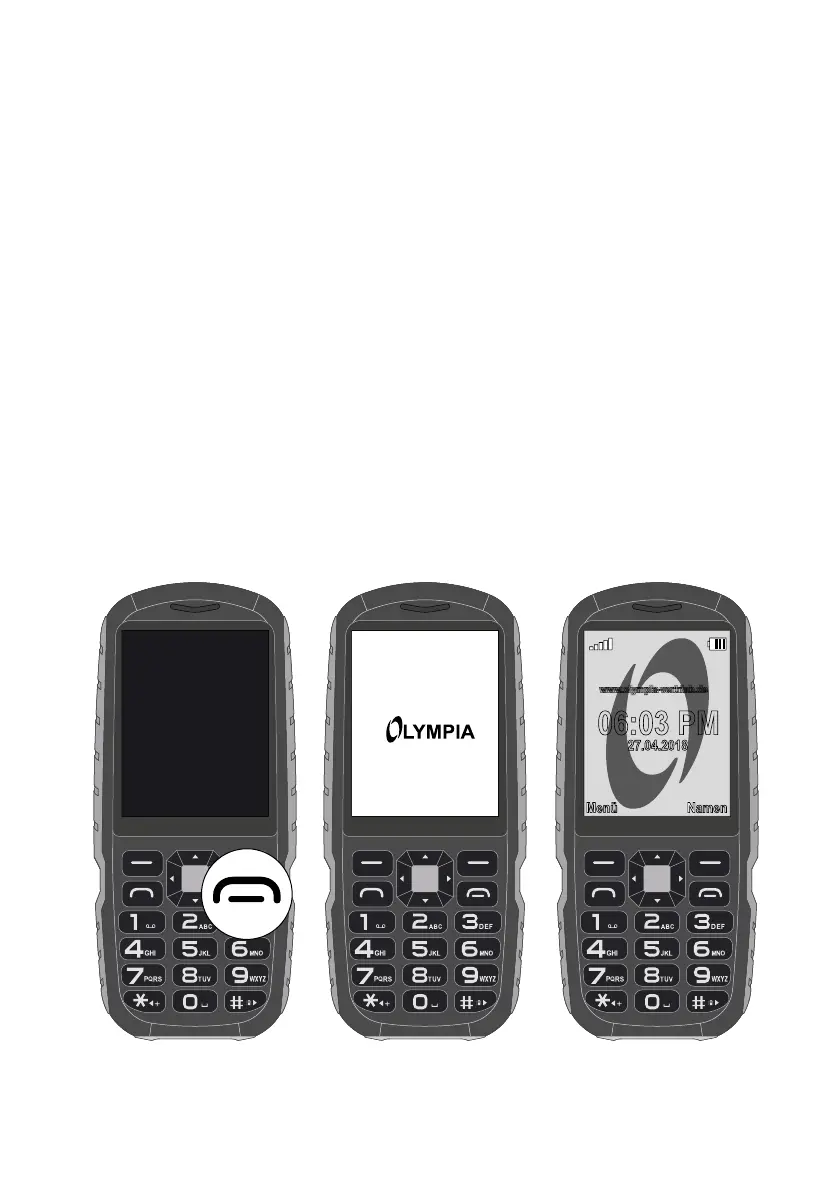
PUTTING THE MOBILE PHONE INTO OPERATION
SWITCHING THE MOBILE PHONE ON AND OFF
Switching the Mobile Phone On and Off
1 Press and hold the On-hook key for 3 seconds�
Some SIM cards will require you to enter a PIN code� Follow the
instructions on the screen�
2 The display shows an animated graphic, followed by the start
screen�
3 As soon as the display shows the name of your network opera-
tor, the SIM card has established a connection with the mobile
phone network�
Your mobile phone is now ready to use�
27.04.2018
www.olympia-vertrieb.de
06:03 PM
Menü Namen
www.olympia-vertrieb.de



 To Next Page