PUTTING THE MOBILE PHONE INTO OPERATION
START SCREEN
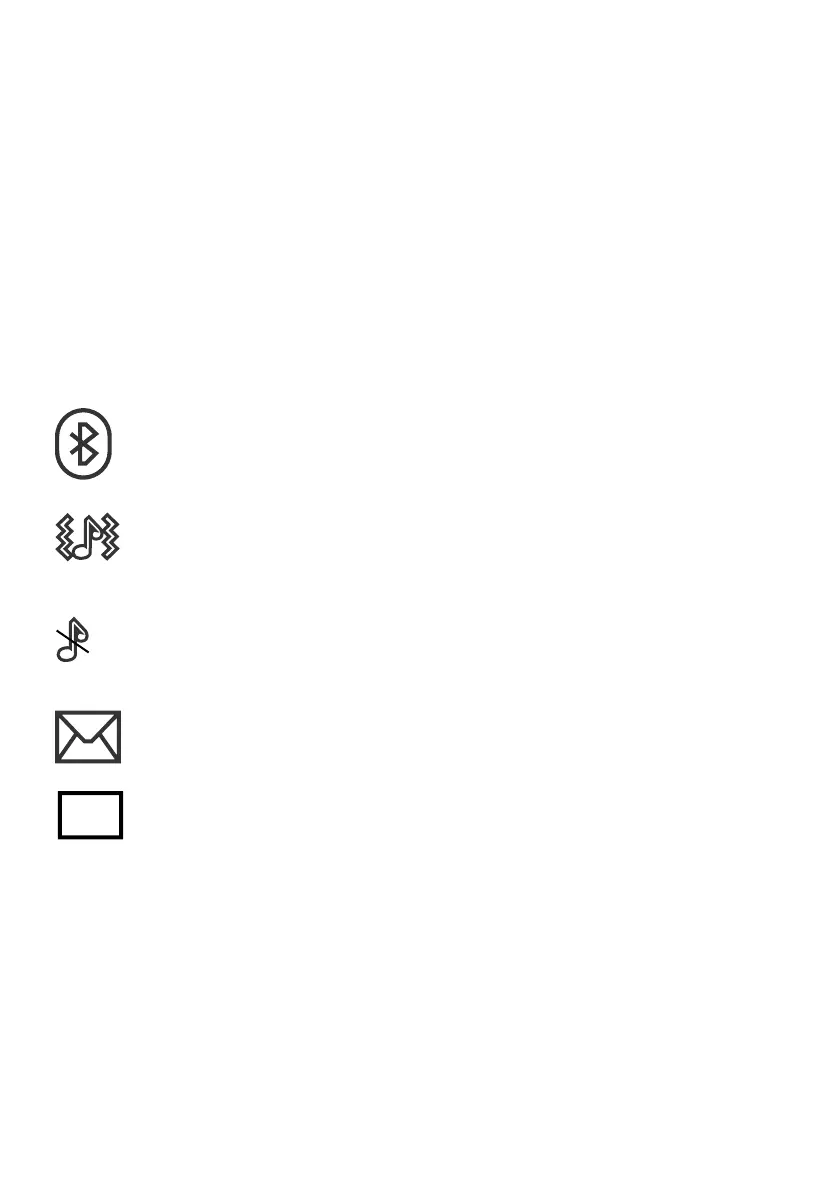
Other icons on the start screen
Apart from the icons permanently on the start screen, other icons
appear at the top edge of the start screen according to the current
settings�
The following overview provides a selection of the most frequently
used symbols�
The Bluetooth function is activated�
The mobile phone rings and vibrates when calls or texts
are received�
The mobile phone is muted�
A text which has not yet been read is in your inbox�
The roaming service (use of a different mobile network,
e�g� when abroad) is active�
Please note that using roaming services can incur additional charg-
es�



 To Next Page