G
18
2 Operating the Mobile Phone
The mobile phone is generally operated using the touch-sensitive
display.Touchandswipeyourngersdirectlyonthescreenin
order to navigate through the menus and start functions. Alterna-
tively, you can use an appropriate stylus. The following overview
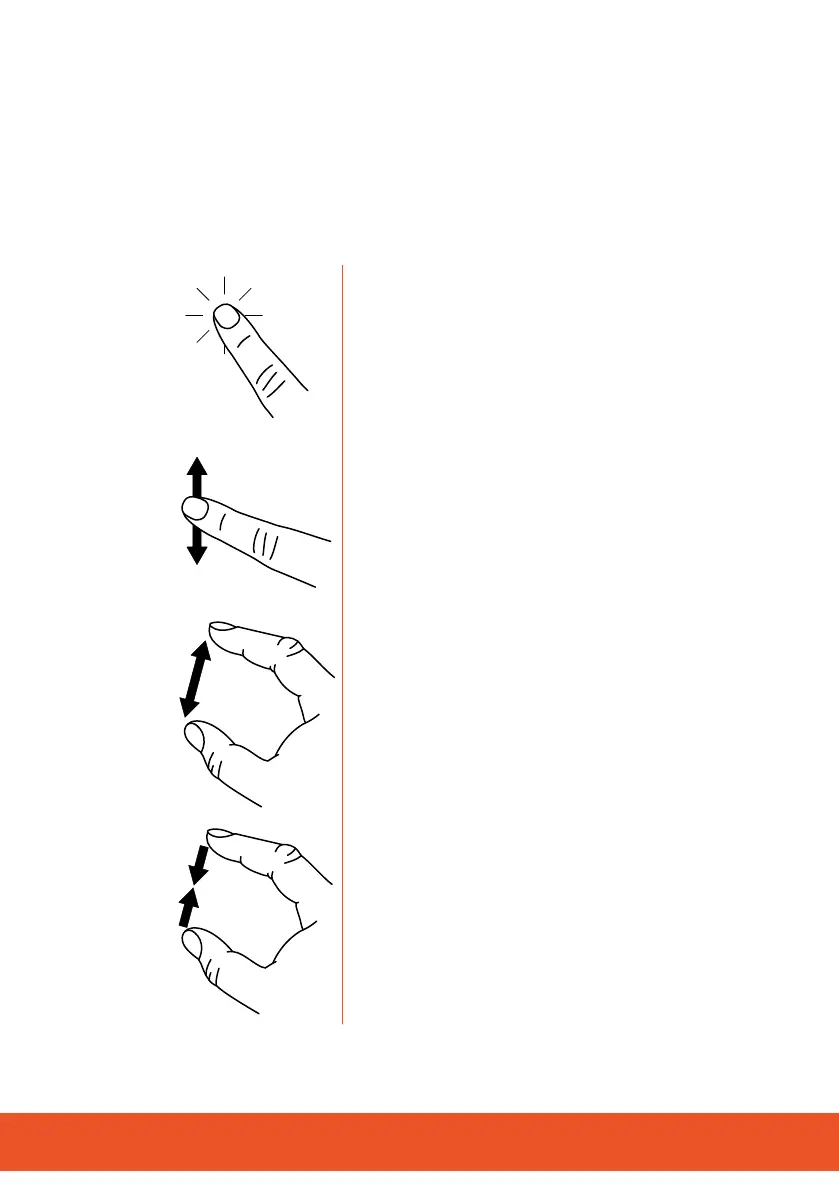
indicatesthengermovementstouse:
Tapyourngeronthebuttonsorelementsto
start functions. Certain functions are started by
tapping on the button and keeping it pressed
in.
Swipeyourngerthroughlistsandviewsto
scroll in them.
Drawtwongersapartonanelementor
viewonthescreentozoomin.Thisnger
movement is not available in all apps (appli-
cations).
Movetwongerstowardseachotheronan
element or view on the screen to zoom out.
Thisngermovementisnotavailableinall
apps (applications).



 To Next Page