G
34
2.8 Screen Keyboard
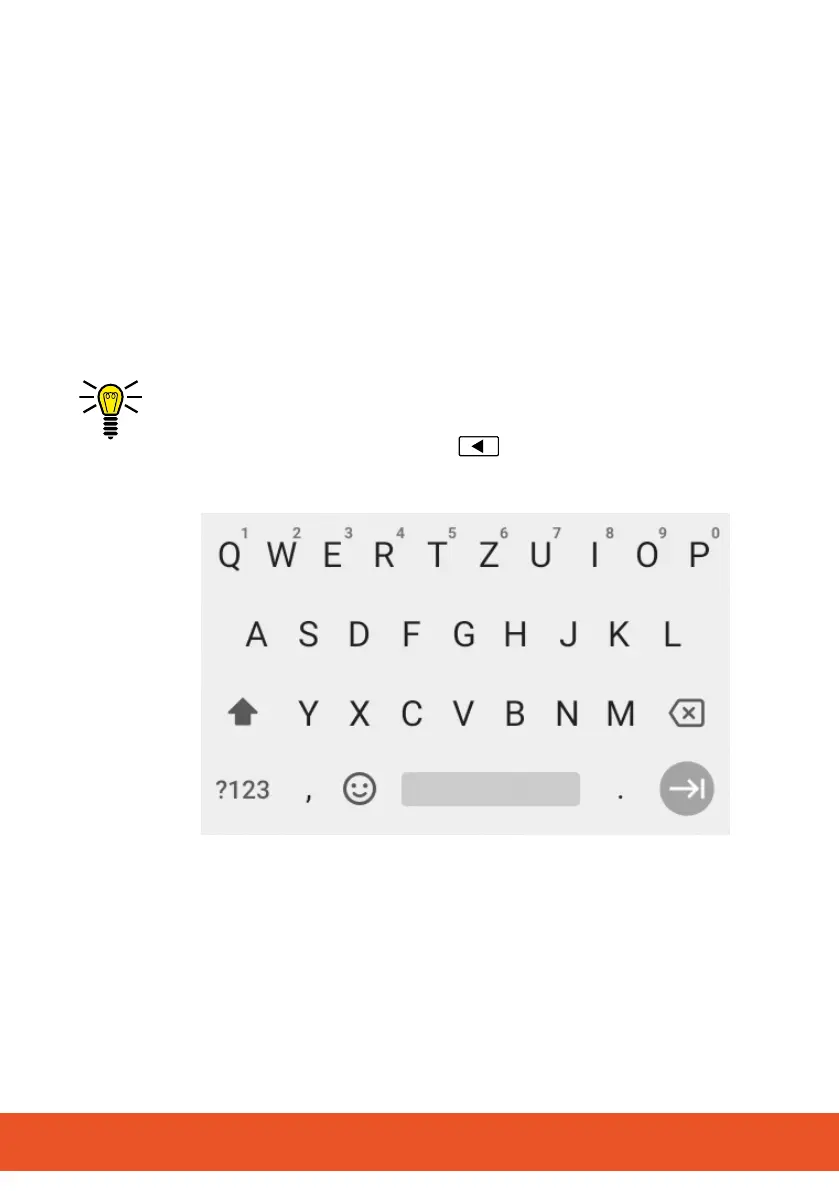
In order to enter characters and digits, you can use the screen
keyboard which appears in the display.
The screen keyboard appears in the mobile phone display as
soonasyoutaponacorrespondinginputeld.
1 Taponanyinputeldonthescreen.
▸ The screen keyboard appears.
2 Tap on the screen keyboard to enter the relevant characters
and digits.
INFO: Press and hold on a character to select further charac-
ters/special characters.
3 Optionally: Press the Back
button to clear the screen
keyboard from the display.



 To Next Page