G
37
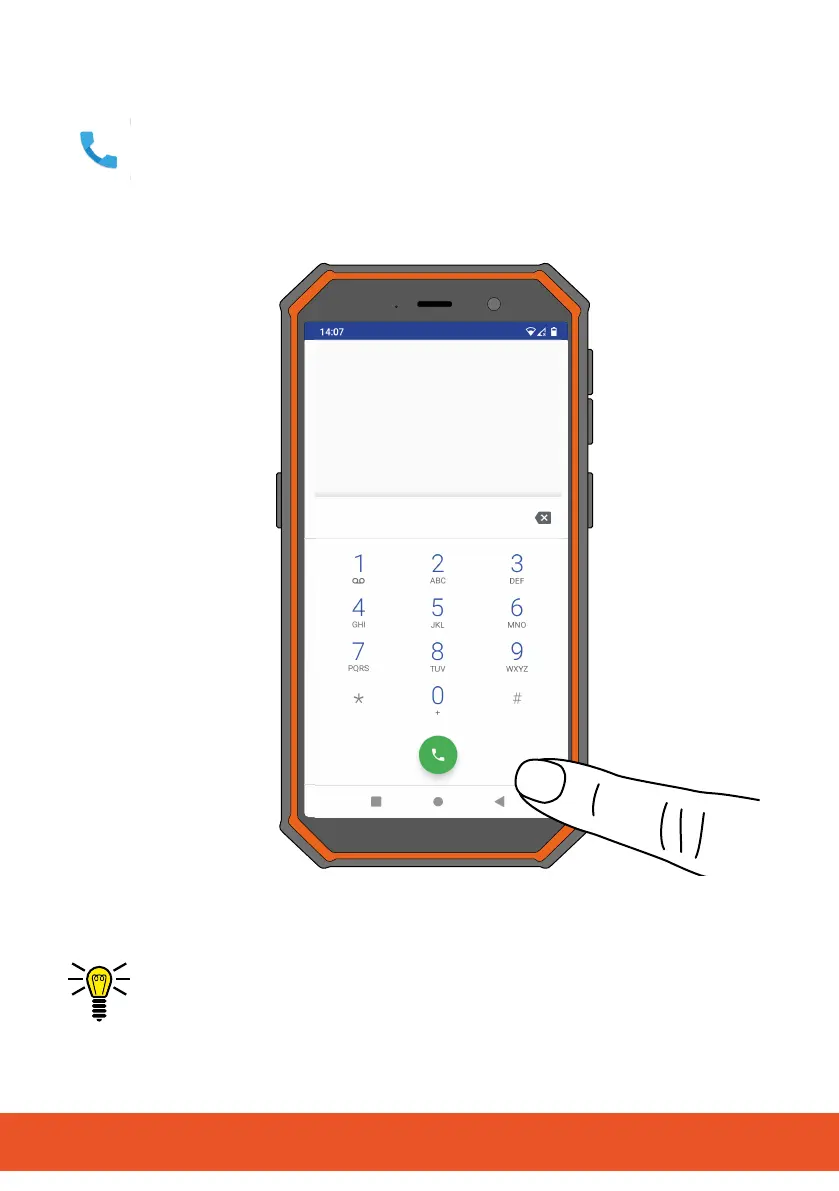
3.1 Making a Call
1 Tap on the ┣Telephone┫ button.
▸ The phone app appears.
2 Tap on the ┣Dial pad┫ button.
▸ The dialling keypad (dialpad) appears.
3 Enter the required phone number using the keys on the dial-
pad.
INFO: Incorrect entries can be cleared using ┣X┫ button.
4 Tap on the ┣Call┫ button.
▸ The phone number is dialled.



 To Next Page