G
19
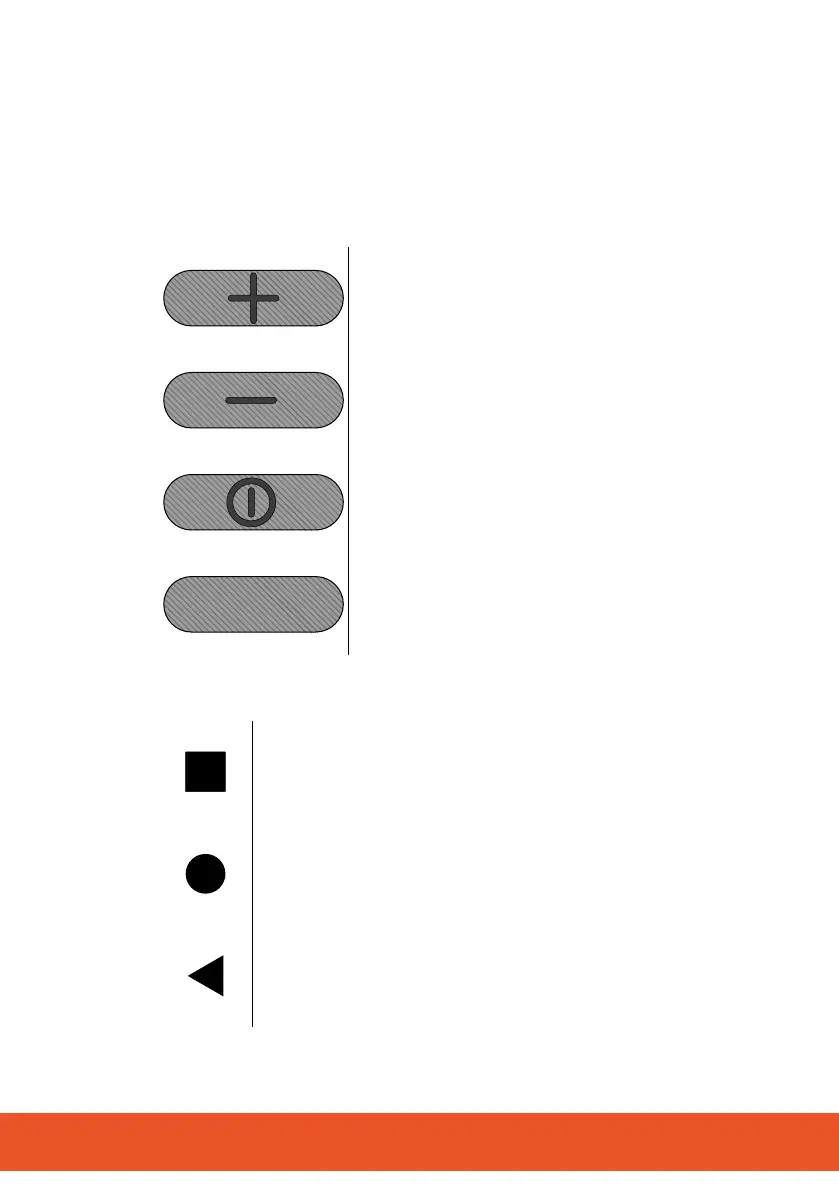
2.1 Function Keys
The following overview indicates all the function keys and buttons
on the mobile phone.
The four function keys are located on the sides of the mobile
phone.
Increase volume button
Increase the volume of ringing tones, con-
versations and media playback (louder).
Lower volume button
Lower the volume of ringing tones, conver-
sations and media playback (quieter).
On/O button
Switchthemobilephoneon/o,restartit
or create a screenshot.
Smart key
Switchthefunctionassignedon/o(facto-
ry setting: Torch function).
The three buttons appear at the bottom edge of the display.
Task manager button
Use to switch between apps (applications).
Home button
Switch to the start screen (home).
Back button
Navigate one menu step back.



 To Next Page