G
27
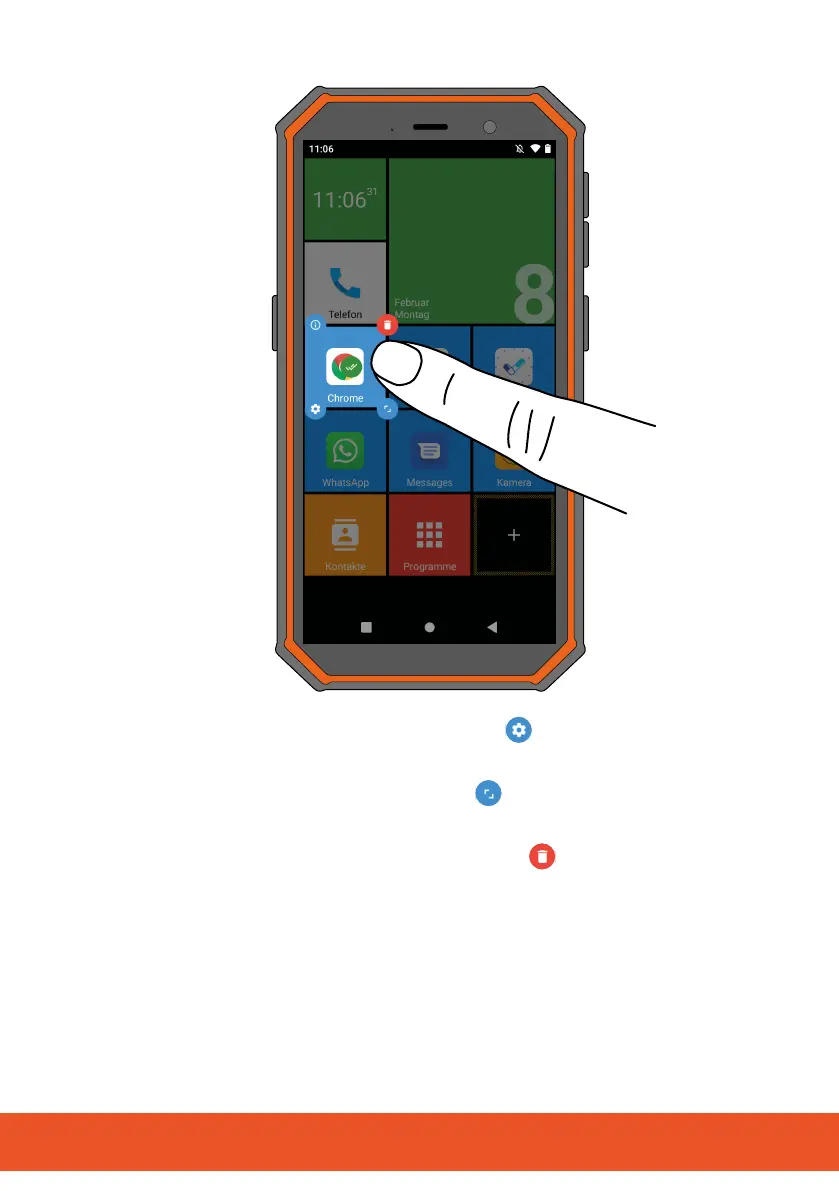
3 If necessary, tap on the Settings button and adapt the
behaviour of the tile.
4 If necessary, tap on the Scale
button and adapt the size
and shape of the tile.
5 If necessary, tap on the Waste bin
button to delete it
from the start screen.
6 Dragthetilewithyourngertoadierentpositiononthestart
screen and release it.



 To Next Page