G
29
2.6.4 Changing the Launcher (Appearance of the Start
Screen)
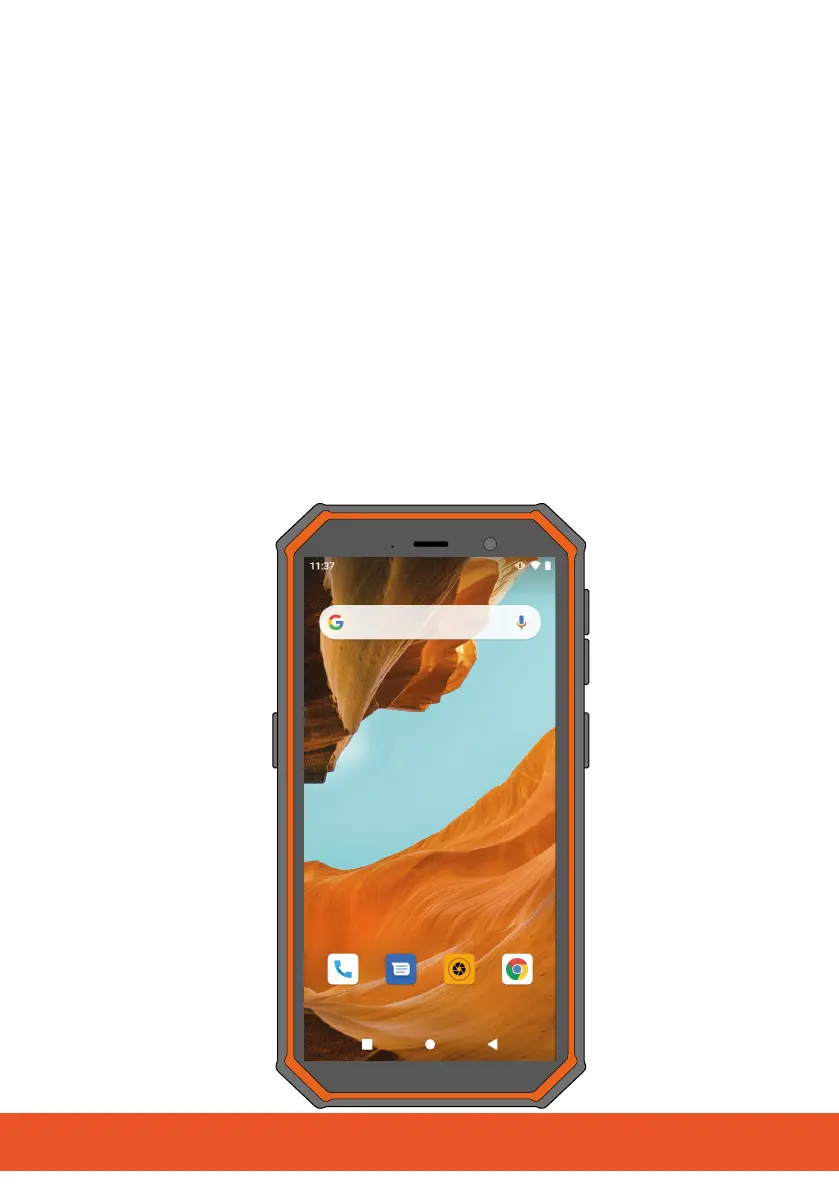
You can change the appearance and operation of the start
screen on the mobile phone. The start screen of the mobile phone
is set at the factory to Square Home - Launcher: Windows
Style. If so required, you can switch to the standard Android
version of the launcher, Quickstep.
1 Navigate to ┣Applications┫ > ┣Settings┫ > ┣Apps & notifications┫ >
┣Default apps┫.
2 Tap on the ┣Home app┫ button.
▸ The launchers already installed are displayed.
3 Tap on the Quickstep button.
▸ The start screen from Android now appears for use.



 To Next Page