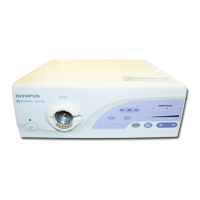
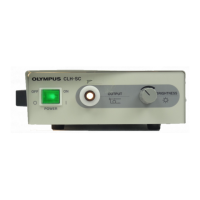
TROUBLESHOOTING CLV-160
Lamp brightness
check
The visual field is dark or too bright.
Set the light source to the
maximum brightness in
manual mode.
Set the standard filter.
Is the lamp
brightness
optimum?
No
Yes
Check the scope connection.
Yes
Is the lamp
brightness
optimum?
No
Check INDEX.
Set to MAX.
Does the
diaphragm work
normally?
No
Yes
Yes
Is the lamp
brightness
optimum?
No
Check that the standard filter
(supplied with the main unit) is set
in the standard filter frame of the
turret plate.
Yes
Yes
Is the lamp
brightness
optimum?
No
Replace the xenon lamp
(Y1064S).
Is the lamp
brightness
optimum?
No
Replace the
UPCL16PS10/20. (Replace
the switching power supply.)
Manual brightness
adjustment check
End
4-21


 To Next Page