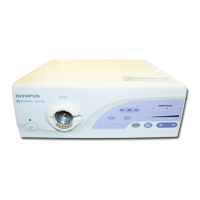
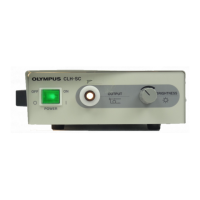
TROUBLESHOOTING CLV-160
Panel operation
check
LED does not light or LED indication does not
change even if the switch is depressed.
Connect the applicable
scope, and light up the
xenon lamp.
Depress the panel switch.
Is LED lit normally
with a lighting noise?
No
Yes
Yes
Is LED normal except
the lighting noise?
No
Check the connector contact.
Main board Front panel
Yes
Is LED lit normally
with a lighting noise?
No
Replace the DW5327.
(Replace the flat harness.)
Yes
Is LED lit normally
with a lighting noise?
No
Replace the front panel.
Yes
Is LED lit normally
with a lighting noise?
No
Replace the UPCL16CR00.
(Replace the main board.)
End
4-22


 To Next Page