3
Changing the information screen during playback or stop
31
EN
Changing the information screen during playback or stop
You can change the information screen during playback or stop.
1
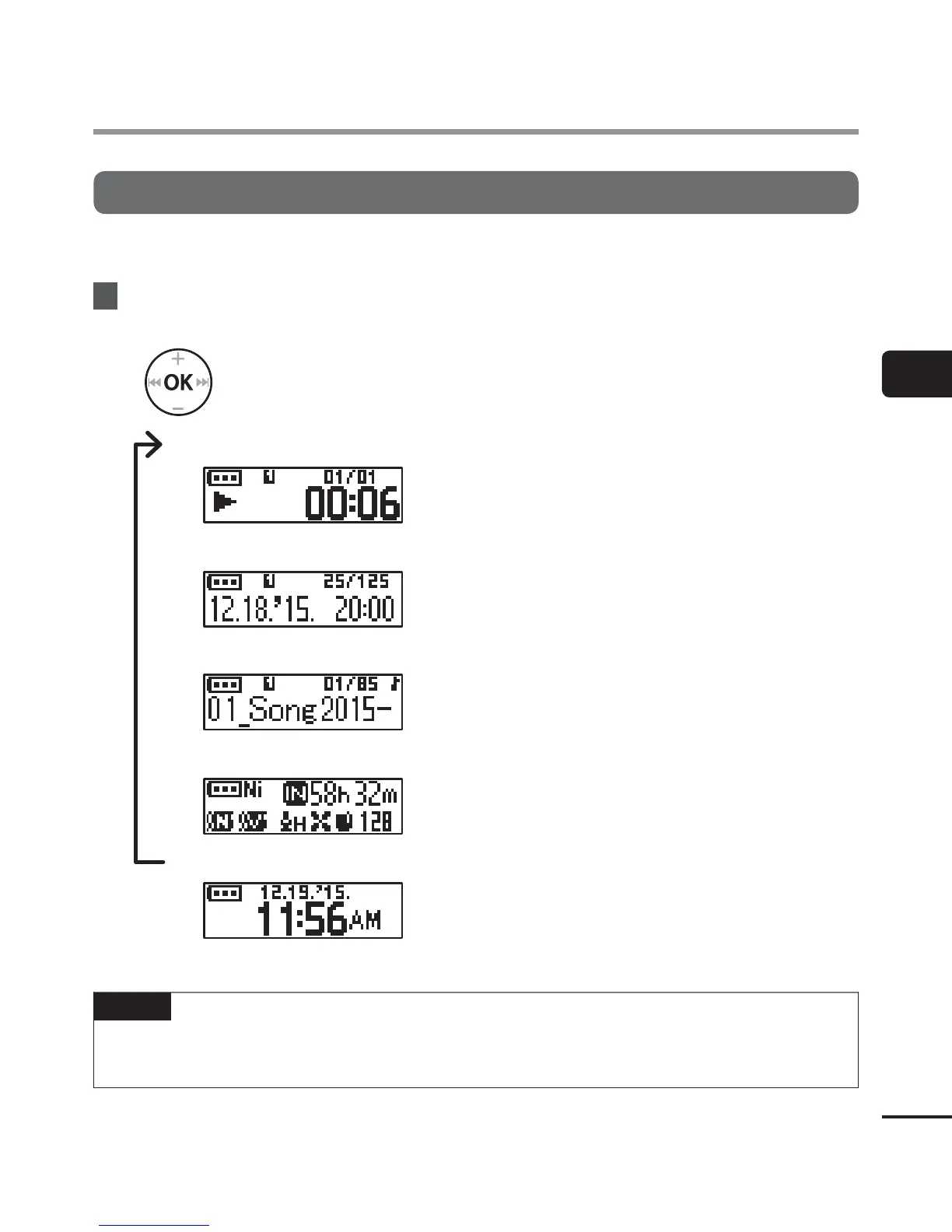
While the voice recorder is in playback mode or stop mode, press the
OK
button.
• Each press of the OK button changes the information screen.
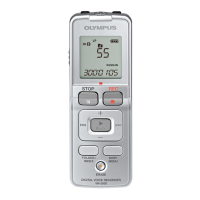
1 Elapsed playback time screen (default screen)
You can display the elapsed playback time and
current file number in folder.
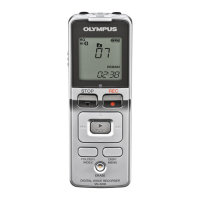
2 Recording time/date screen ([Recorder] folder is selected)
You can display the recording time and date of
current file.
File name screen ([Music] folder is selected)
You can display the name of current file.
3 Functions indicator screen
You can display the indicator of functions and
remaining recording time (☞ P.22).
4 Date and time screen
You can display the current date and time.
NOTE
• T
he information screen return to default screen if the voice recorder will be changed to
other operation (stop, playback, recording).
Changing the information screen during playback or stop


 To Next Page