4
Recording menu [Rec Menu]
40
EN
Recording menu [Rec Menu]
2
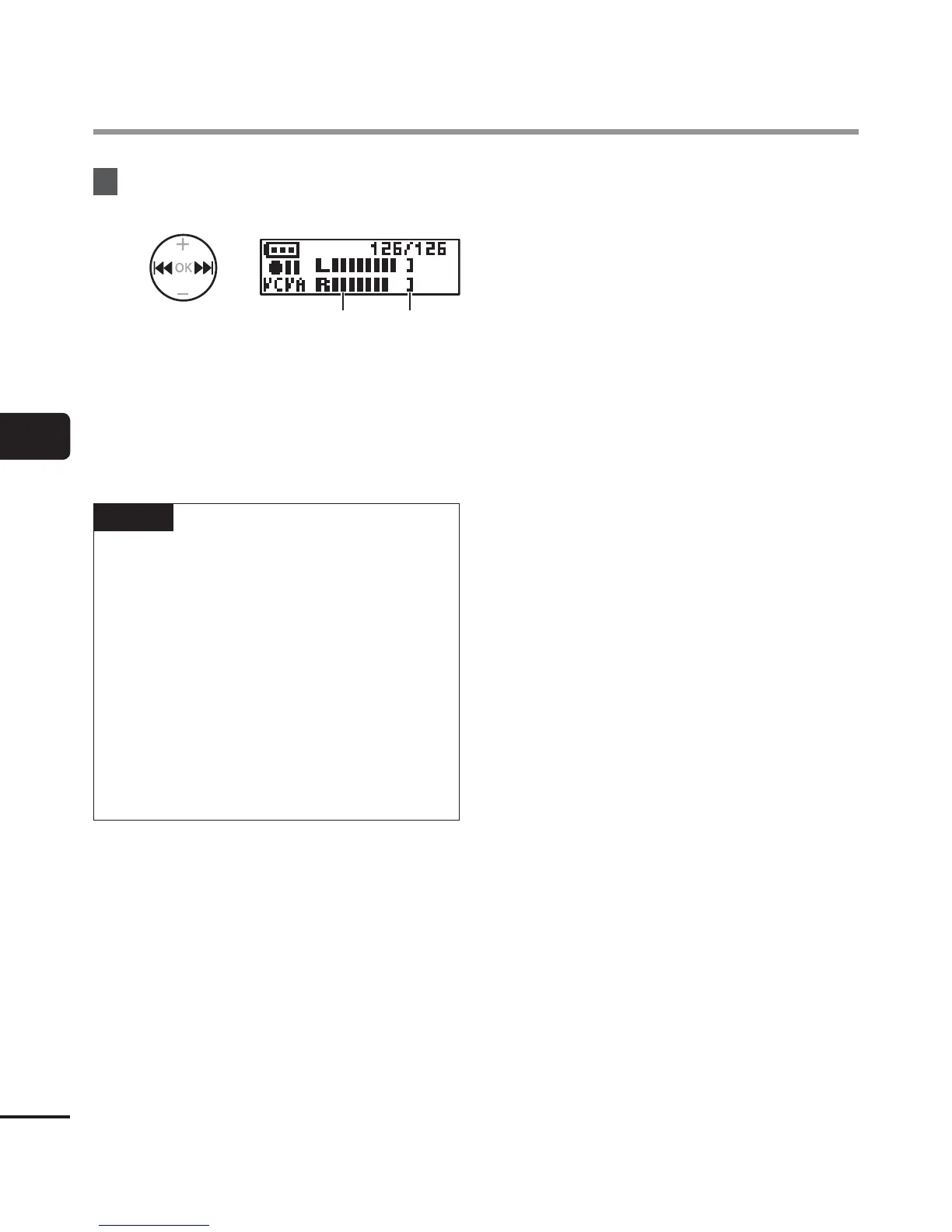
Press the 9 or 0 button to
adjust the voice activation level.
ba
a Voice activation level (moves left/
right to match set level)
b Level meter (changes in proportion
to recording sound volume)
• The setting can be adjusted in 23
steps.
TIP
• Each pr
ess of the 0 button increases
the activation sensitivity level of VCVA,
and a high level will result in recording
starting even with small sounds.
• Adjust the VCVA voice activation level
to suit the recording conditions (to
cope with high levels of surrounding
noise or alike).
• To avoid recording mistake, it’s
recommended to perform a test
recording beforehand to adjust the
voice activation level.


 To Next Page