[Beauty Settings]
● Depending on the picture, the editing may not be
effective.
1 Use FG to select a retouching setting, and
press the Q button.
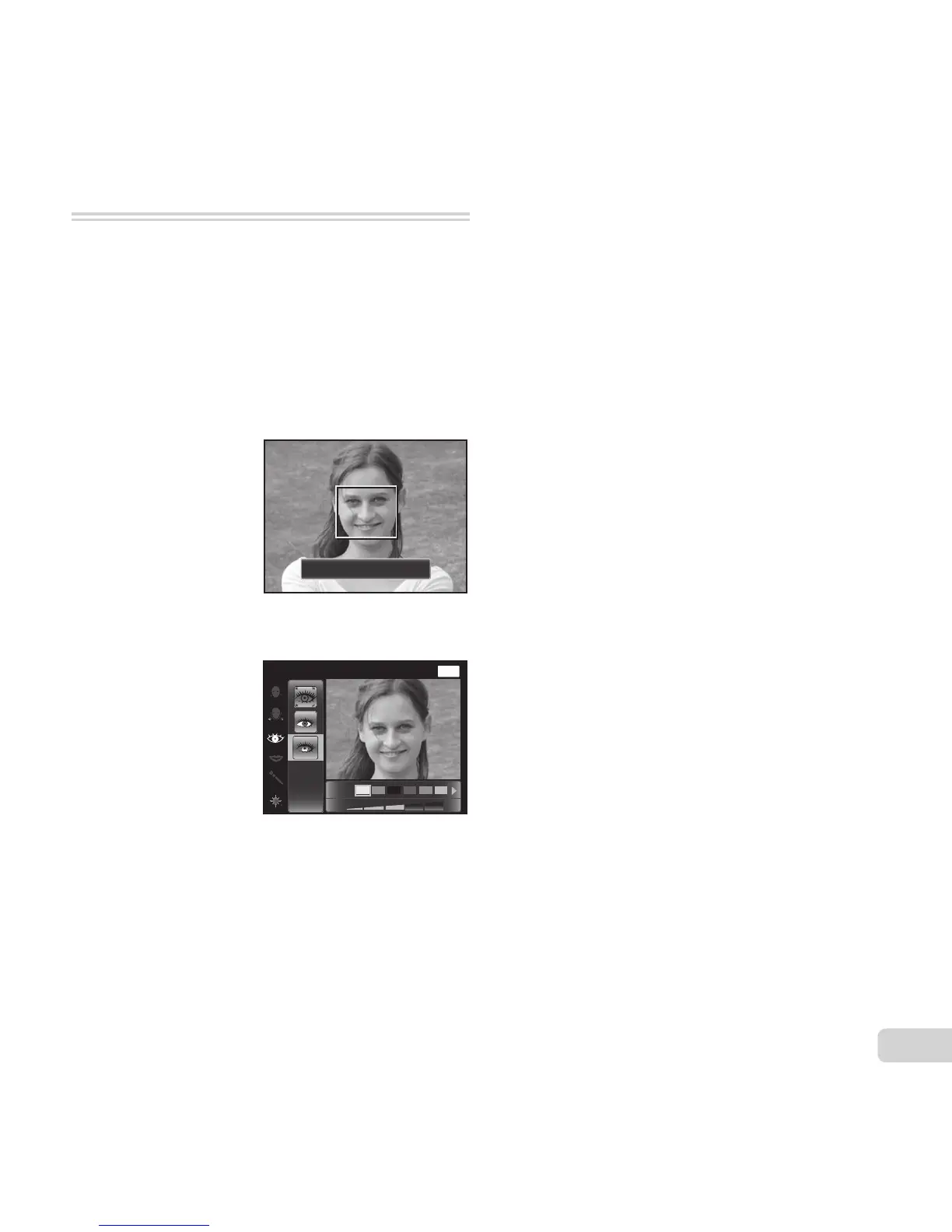
2 Press the shutter button to take a portrait picture.
Take a portrait picture.
● The image is not saved.
3 Select a retouching item, and press the Q button.
MENU
Off
Eye Color Back
4 Press the Q button on the review screen to save
the image.
● Registration is complete.



 To Next Page