SECTION 4 HOW THE OMEO EVOLUTION WORKS
36
|
OMEO EVOLUTION USER MANUAL
Omeo Parts and Subsystems (cont.)
Motors
Refer to Segway PT User Manual (Pg. 35).
Balance Sensor Assembly
Refer to Segway PT User Manual (Pg. 36).
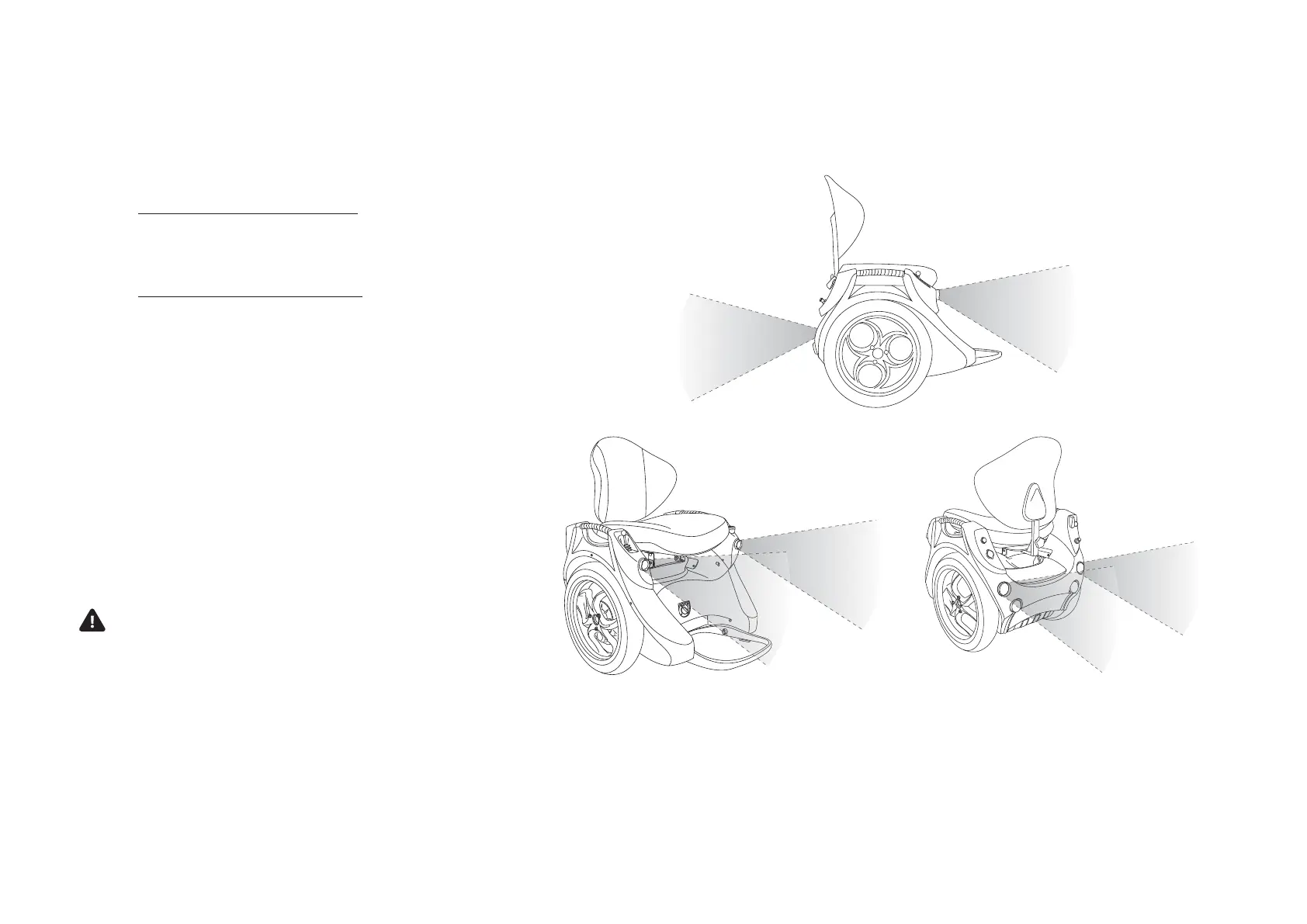
Running Lights
Your Omeo has front and rear LED running lights
powered by the Auxiliary Batteries. The lights are
activated by the Light Switch. This is located above
the USB Port on the Control Panel B (Figure 15:
On-Board Control Panels (A & B) Pg. 30).
If the lights go o unexpectedly, this will be
because the Auxiliary Battery levels are discharged
below 50%. The Auxiliary Indicator Light (Figure
16: Display Panel with Indicator & Warning Lights
Pg. 33) will flash yellow to show low Auxiliary
Battery levels. (See the Auxiliary Batteries, Pg. 37).
WARNING
To ride safely, you must be able to clearly see
what is in front of you and you must be clearly
visible to others.
Figure 18: Omeo front and rear lights.


 To Next Page