OMEO EVOLUTION USER MANUAL
SECTION 8 BATTERIES & CHARGING
71
|
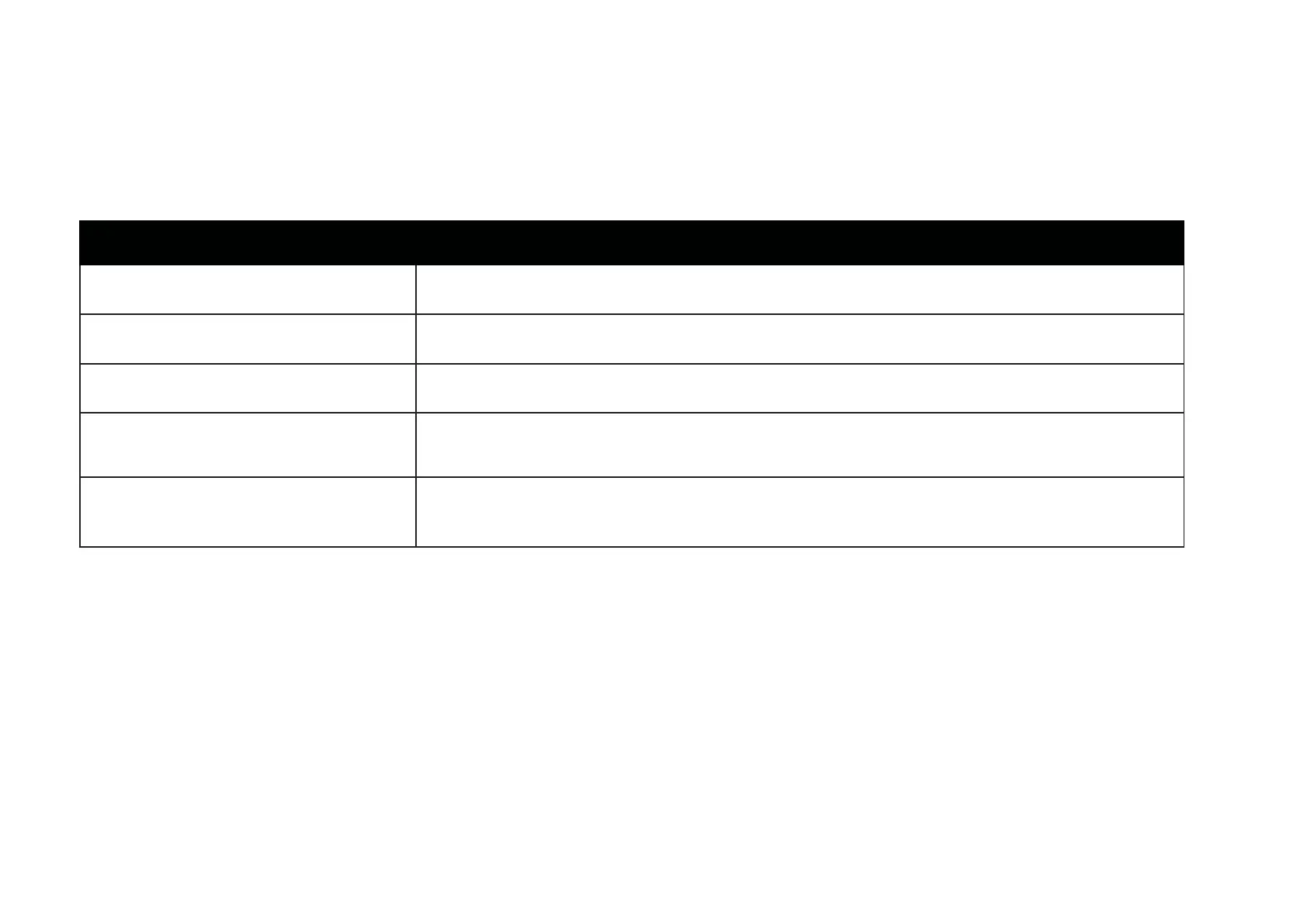
Table 7: Auxiliary Battery system Indicators when the Omeo is powered o.
Battery Management Indicators for the Auxiliary Batteries (cont.)
When the Omeo is powered o
White single flash
Is activated when the Main Control Switch is pushed for a sucient amount of time (e.g. 1,2, 3 x) for a
command to be received, no matter what status of the Omeo. This is a positive signal of function.
Solid green light with eventual progression to
flashing green light
Is activated when the Auxiliary Batteries are charging and will progress to a constant flashing green light
when fully charged. The Auxiliary Batteries take 8-12 hrs. approximately for a full charge.
Yellow flash every 3 seconds in a pattern that
runs for 20 seconds only – (Warning Signal)
Is activated when the Main Control Switch is pressed once (or number of presses) to raise the Stabilising
Legs or once to lower the Stabilising Legs and the Auxiliary Batteries have run down to less than 50% charge.
Red slow flash every 1.5 seconds in a pattern
that runs for 20 seconds only – (Warning
Signal)
Is activated when the Main Control Switch is pushed to raise or lower the Stabilising Legs and the Auxiliary
Batteries have run down to less than 20% charge.
Alternating white and blue flashing light
running for 20 seconds only – (Warning
Signal)
Is activated when there is high voltage drain on the Auxiliary Batteries when the Stabilising Legs are
activated. This is most likely caused by a jam between the Stabilising Legs and Omeo Body and possibly
could require the rider to clear the jam.


 To Next Page