Test Procedures
41
Clock Setup Mode
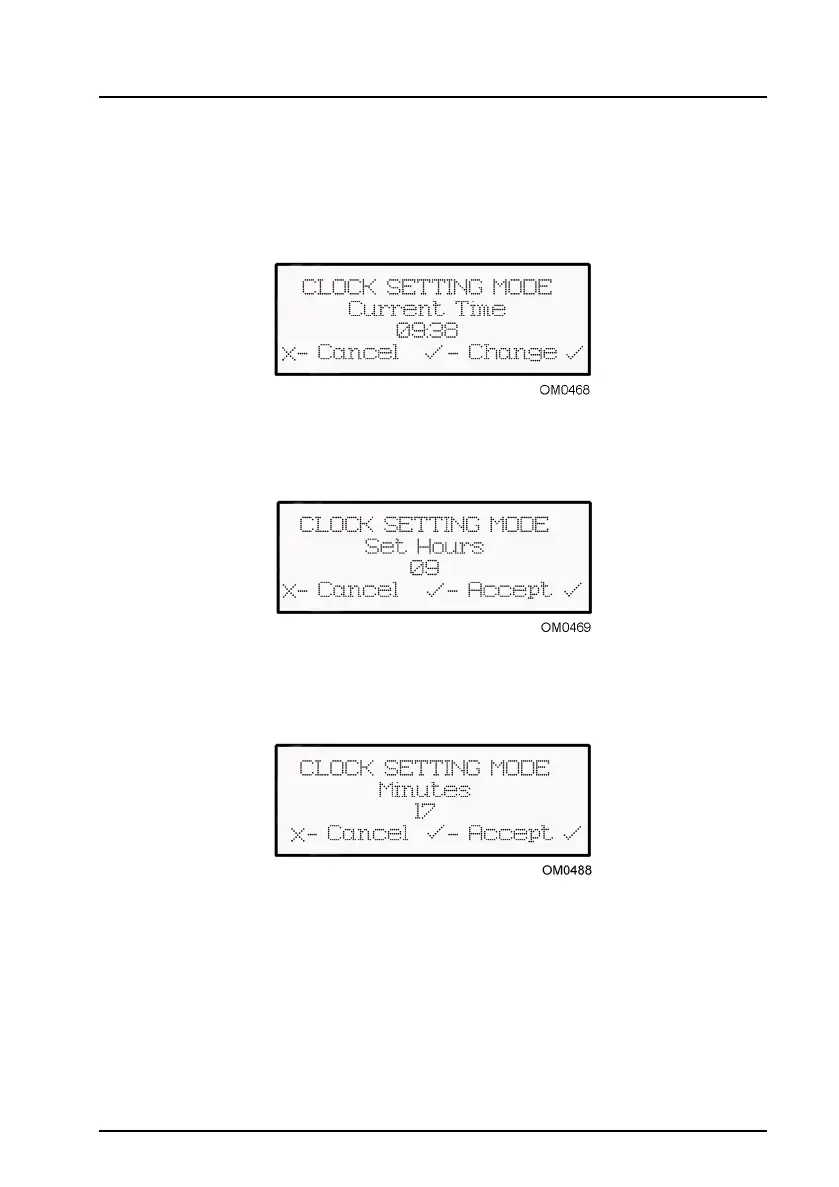
The Clock Setup Mode allows the user to change the internal clock to the correct time.
Select ‘Clock Setup Mode’ from the main menu.
The Clock Setting mode displays the current time in the main window. To change the
time, press the tick key.
The hour can be set by pressing the up or down arrow to display the correct hour, then
confirming by pressing the tick key.
The minutes can be set by pressing the up or down arrow to display the correct minute
then confirming by pressing the tick key.
Note: There is NO adjustment to the date. If the date is incorrect - contact the service
help desk.


 To Next Page