2-4 Frames and Wireways
Manual Override Cable
OmniTT/AnesthesiaTT Installation and Service Guide/67-2024 Rev D © 2010 Omnicell, Inc.
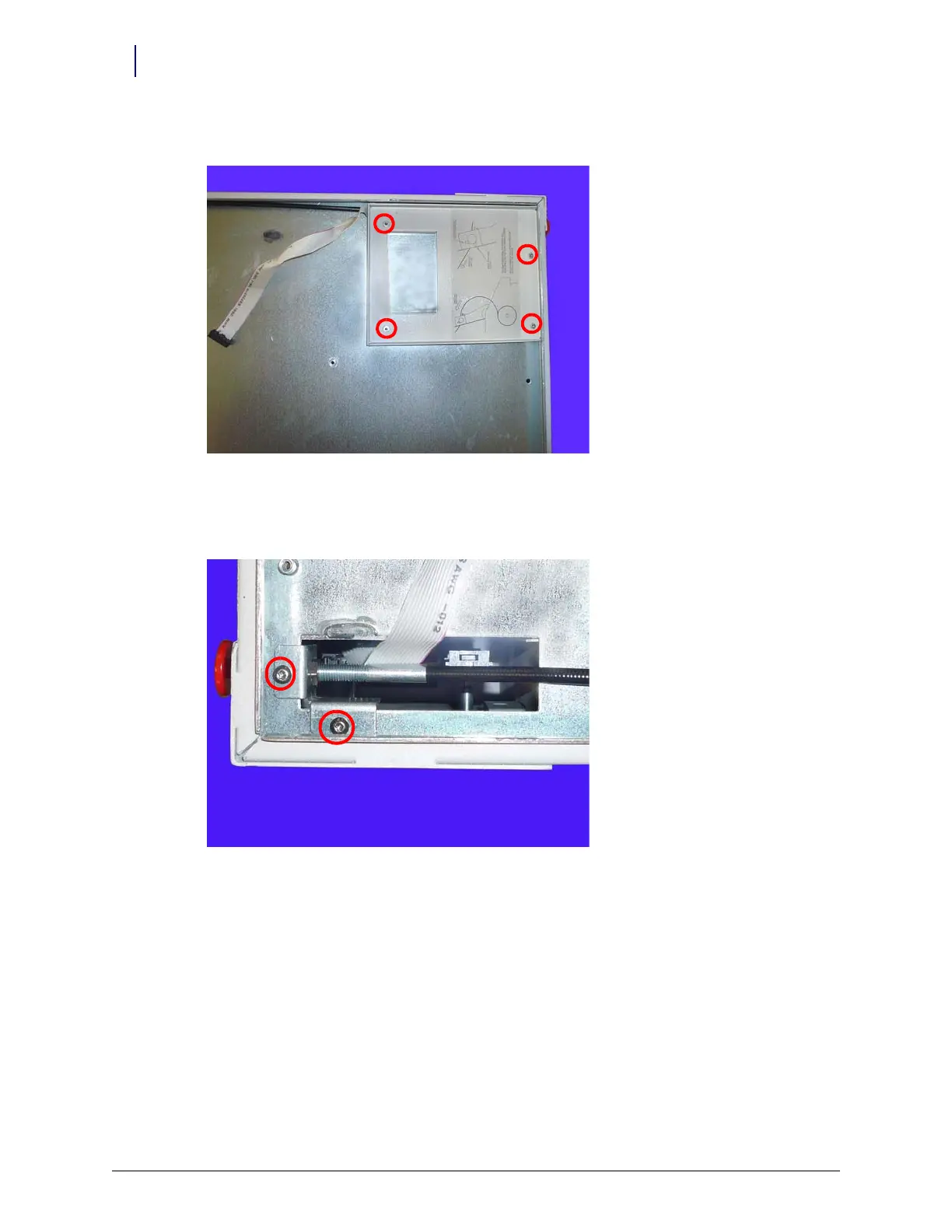
9. Remove the four screws that secure the printer support bracket.
Figure 2-5. Remove the four screws that secure the printer support bracket to the frame
10. Remove the bracket.
11. Remove the two screws that secure the manual override cable.
Figure 2-6. Remove the two screws that secure the manual override cable to the frame



 To Next Page