© 2010 Omnicell, Inc. OmniTT/AnesthesiaTT Installation and Service Guide/67-2024 Rev D
Drawers 3-7
Removal Procedure
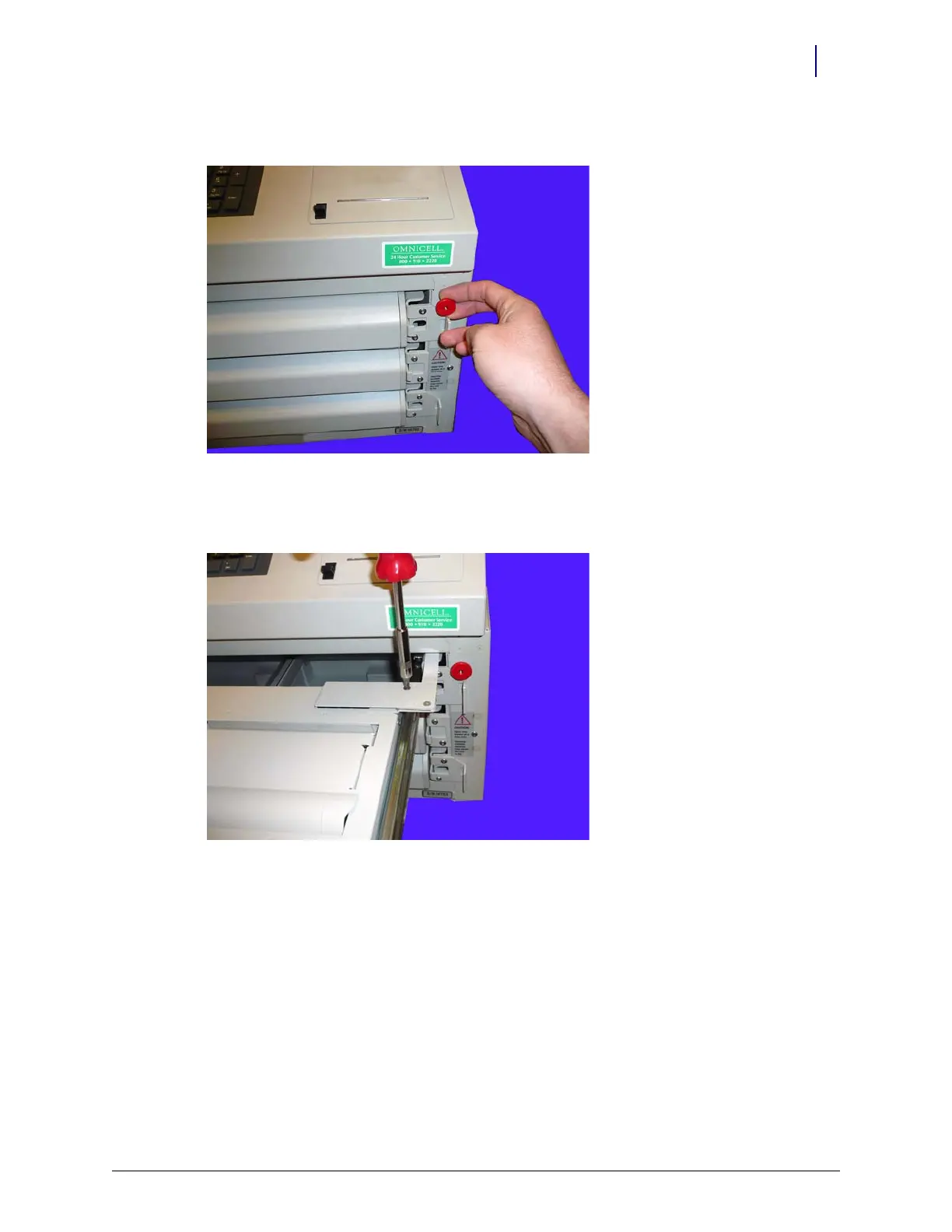
3. Pull the manual override lever and open the desired pharmacy drawer.
Figure 3-8. Pull the manual override lever
4. Remove the two screws securing the drawer controller cable cover to the cable clamps using a
Torx T10 screwdriver.
Figure 3-9. Remove the controller cable cover



 To Next Page