EasyManua.ls Logo

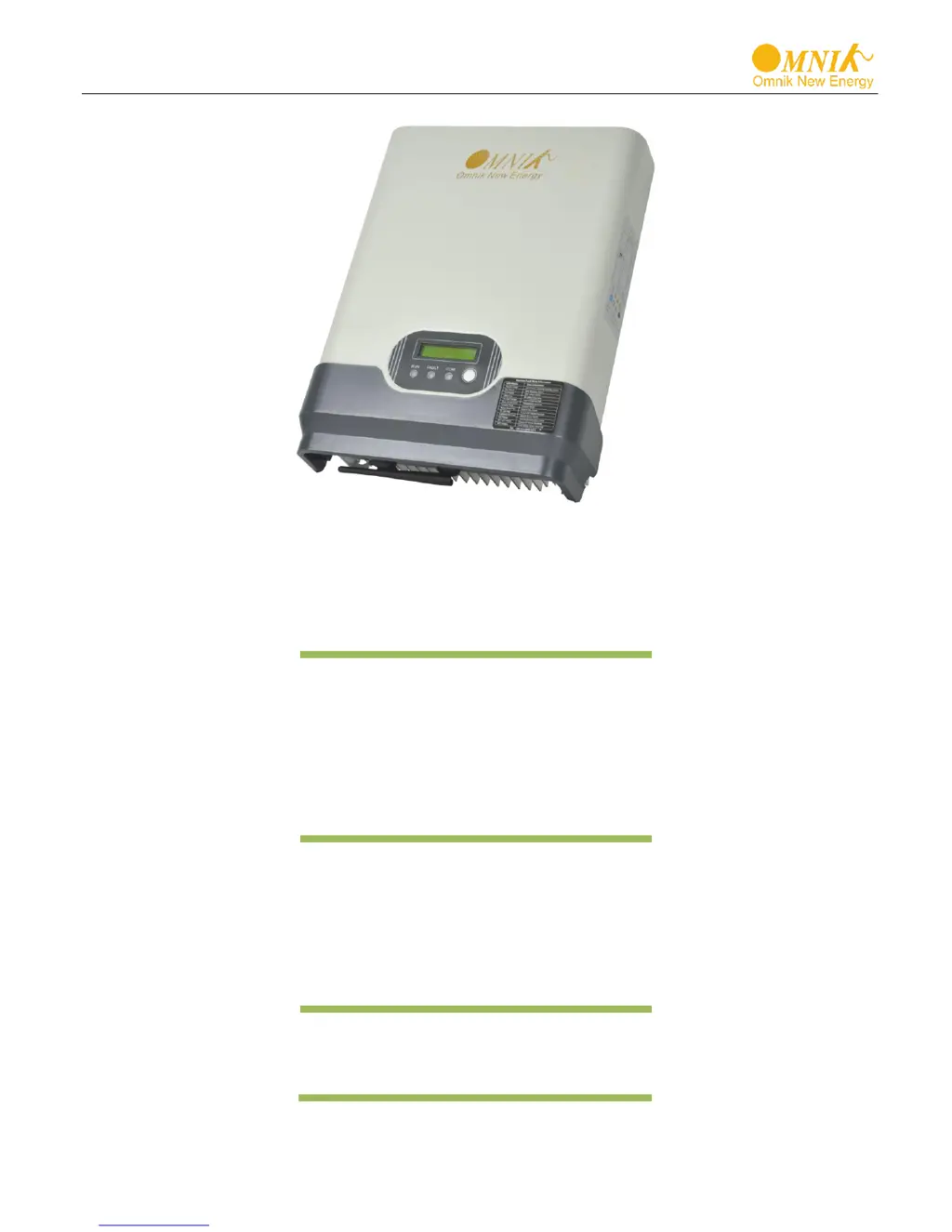
Omnik Omniksol-1k-TL - User Manual

Omnik Omniksol-1k-TL
45 pages
Print Icon
To Next Page IconTo Next Page
Loading...
User Manual V4.2
User Manual
-Installation
-Operation
Omniksol-1k-TL
Omniksol-1.5k-TL
Omniksol-2k-TL
Omnik New Energy Co.,ltd

Questions and Answers

  • P
    Paul JohnsonJul 30, 2025
    What to do if my Omnik Inverter shows a Utility Loss?
    • H
      Hannah PatelJul 30, 2025
      If your Omnik Inverter displays a Utility Loss error, first check the grid connection cables to ensure they are properly connected. Also, verify the grid's usability. If the grid is functioning correctly and the problem persists, the fuse in the inverter may be open, requiring professional service.
  • M
    Michael JacksonAug 4, 2025
    Why is my Omnik Omniksol-1k-TL Inverter showing Grid Fault Fac Over Range Vac Over Range?
    • K
      Kelly FowlerAug 4, 2025
      The Omnik Inverter might show a Grid Fault, Fac Over Range, or Vac Over Range error if the grid voltage and frequency are outside of normal specifications. Wait briefly to see if the grid returns to normal; the PV-Inverter will restart automatically if it does. Also, ensure that the grid voltage and frequency meet the required specifications.
  • K
    kimberly08Aug 7, 2025
    What to do if my Omnik Inverter displays Over Temperature?
    • J
      Jodi BarnesAug 8, 2025
      If your Omnik Inverter indicates an Over Temperature issue, it means the internal temperature is too high. Try to reduce the ambient temperature around the inverter or move it to a cooler environment.
  • J
    Jordan McdowellAug 12, 2025
    What to do for a Ground I Fault on Omnik Inverter?
    • J
      justin45Aug 12, 2025
      If your Omnik Inverter shows a Ground I Fault, it means the ground current is too high. Disconnect the AC side, unplug the inputs from the PV generator, and inspect the peripheral AC system. After clearing the cause, reconnect the PV panel and AC connection, then check the PV-Inverter status.
  • S
    Stephanie SharpAug 16, 2025
    What does PV over Voltage mean on my Omnik Omniksol-1k-TL Inverter?
    • H
      Heidi ThompsonAug 16, 2025
      If your Omnik Inverter displays a PV over Voltage error, check the open PV voltage to see if it exceeds or is close to 500VDC (for Omniksol-1k/1.5k2k-TL). If the PV voltage is less than 500VDC and the problem persists, please call local service.
  • A
    Alicia ClarkAug 21, 2025
    How to fix Consistent Fault on Omnik Omniksol-1k-TL?
    • M
      Michael GibbsAug 21, 2025
      To resolve a Consistent Fault on your Omnik Inverter, disconnect PV (+) or PV (-) from the input and then restart the inverter.
  • R
    Richard KruegerAug 26, 2025
    What to do if my Omnik Omniksol-1k-TL shows Relay-Check Fail?
    • K
      Kristina LopezAug 26, 2025
      To address a Relay-Check Fail error on your Omnik Inverter, disconnect ALL PV (+) or PV (-). Wait a few seconds until the LCD switches off, then reconnect and check again. If the problem persists, please call local service.

Summary

1. Notes on this manual

1.1 Scope of Validation

Manual's purpose is to provide instructions for installing, operating, and troubleshooting Omnik New Energy-Solar Inverters.

1.2 Symbols Used

Defines DANGER, WARNING, CAUTION, NOTICE symbols and their meanings.

1.3 Target Group

Defines intended audience and required qualifications for reading and installing.

2. Preparation

2.1 Safety Instructions

Crucial safety guidelines for installation, operation, and maintenance.

2.2 Explanations of Symbols on Inverter

Explains various symbols used on the inverter and their significance.

3. Product Information

3.1 Overview

General overview of the inverter, including industrial layout and heat elimination.

3.2 Major Characteristics

Details the key features like high efficiency, reliability, and cost-effectiveness.

3.3 Datasheet

Presents technical specifications for the Omniksol-1k-TL model.

4. Packing checklist

4.1 Assembly parts

Lists and illustrates the components included in the inverter package.

4.2 Product Appearance

Describes the front and bottom appearance of the inverter with labeled parts.

4.3 Product Identification

Explains how to identify the inverter using the side nameplate.

4.4 Further Information

Directs users to the website or hotline for additional questions.

5. Installation

5.1 Safety

DANGER and NOTICE statements related to inverter installation safety.

5.2 Mounting Instructions

Guidelines for mounting the inverter, including orientation and tilt.

5.3 Safety Clearance

Specifies minimum clearances around the inverter for heat dissipation.

5.4 Mounting with bracket

Details the process of mounting the inverter using the provided bracket.

5.5 Mounting without bracket

Details the process of mounting the inverter directly to the wall.

5.6 Safety lock (with wall mounting bracket)

How to apply the safety lock when using the wall mounting bracket.

5.7 Safety lock (without wall mounting bracket)

How to apply the safety lock when mounting without the bracket.

6. Electrical Connection

6.1 Safety

DANGER statements for electrical connections, emphasizing qualified personnel.

6.2 Overview of Connection Area

Identifies and describes the DC input, RS232/RS485, and AC output terminals.

6.3 AC Side Connection

Detailed instructions for connecting the AC side of the inverter.

6.4 DC Side Connection

Instructions for connecting the DC side, including MC4 assembly.

6.5 Communication and Monitoring Device

Explains the RS232/RS485 plugs for multipoint communication.

7. Display

7.1 LCD Panel

Describes the LCD panel and its components like LEDs and function keys.

7.2 LCD Display

Explains the display content and how to navigate operating information.

7.3 Set Language

Instructions on how to change the display language.

7.4 Instructions of Safety Standard selection when power-up

Guide for selecting the appropriate safety standard during initial power-up.

7.5 State Information

Details various states and fault conditions displayed on the inverter.

8. Recycling and Disposal

9. Troubleshooting

10. Abbreviation

11. Contact

Omnik Omniksol-1k-TL Specifications

General IconGeneral
ModelOmniksol-1k-TL
Rated Output Power1000W
MPPT Voltage Range150-450V
Number of MPPTs1
MPPT Trackers1
Nominal AC Power1000W
Nominal AC Voltage230V
Rated Output Voltage230V
Efficiency96.9%
Protection DegreeIP65
Dimensions350x274x135mm
Weight7.5kg
Output Frequency50/60Hz
CoolingNatural convection
Maximum AC Output Power1000VA
Operating Temperature Range-25°C to 60°C

Related product manuals