EasyManua.ls Logo

Omnik Omniksol-10k-TL3 - User Manual

Omnik Omniksol-10k-TL3
47 pages
Print Icon
To Next Page IconTo Next Page
Loading...
User Manual V1.2
1
User Manual
-Installation
-Operation
Omniksol-10k-TL3
Omniksol-13k-TL3
Omnik New Energy Co., Ltd.

Questions and Answers

Summary

Notes on this manual

Scope of Validation

Defines the scope and purpose of the user manual for Omnik solar inverters.

Symbols Used

Explains the meaning of danger, warning, caution, and notice symbols used in the manual.

Preparation

Target Group

Identifies the intended audience and necessary qualifications for understanding and operating the inverter.

Safety Instructions

Provides essential safety guidelines and warnings for handling and operating the inverter.

Explanations of Symbols on Inverter

Details the specific symbols found on the inverter and their meanings.

Product Information

Overview

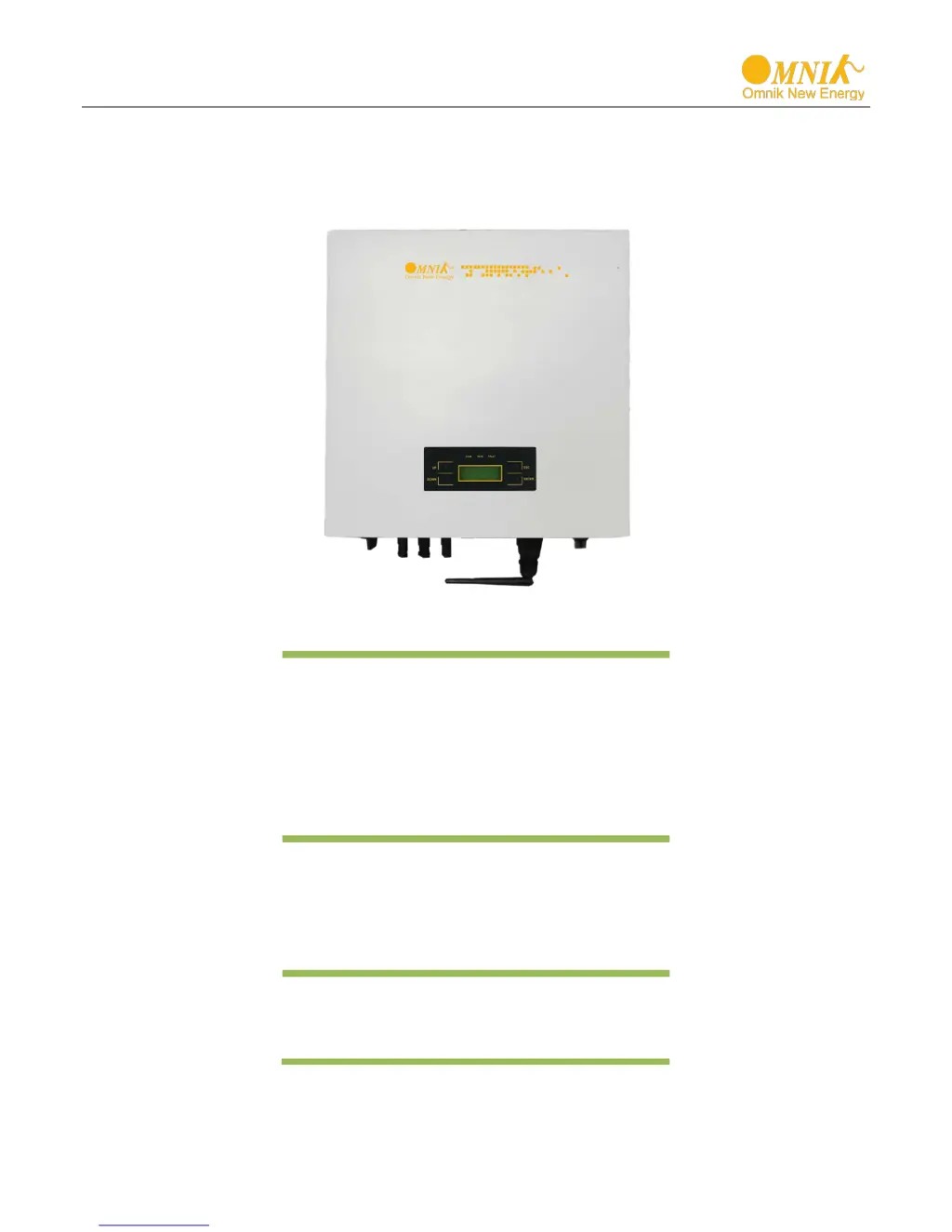
Presents a general introduction to the Omnik inverter, including visual layout and heat dissipation.

Major Characteristics

Highlights key features, efficiency, reliability, and protection methods of the Omnik inverter.

Datasheet

Provides detailed technical specifications for Omniksol-10k-TL3 and Omniksol-13k-TL3 inverters.

Packing Checklist

Assembly Parts

Lists all components included in the inverter package for assembly and installation.

Product Appearance

Illustrates the front and bottom views of the inverter, identifying key components and interfaces.

Product Identification

Explains how to identify the inverter model and specifications via the side name plate.

Further Information

Provides contact details and website for additional support and inquiries regarding accessories and installation.

Installation

Safety

Outlines critical safety precautions and warnings related to inverter installation to prevent fire or shock hazards.

Mounting Instructions

Details the recommended methods and considerations for securely mounting the Omnik inverter.

Safety Clearance

Specifies the required minimum clearances around the inverter for proper heat dissipation and operation.

Mounting Procedure

Provides step-by-step instructions for marking and drilling holes for the wall mounting bracket.

Safety Lock

Describes how to secure the inverter to the mounting bracket using a padlock for safety.

Electrical Connection

Safety

Emphasizes safety precautions for electrical connections, including high voltage and qualified personnel requirements.

AC Side Connection

Details the procedures and safety warnings for connecting the inverter to the AC power grid.

DC Side Connection

Explains the process and safety considerations for connecting the DC power source (PV panels) to the inverter.

Tools Required

Lists and describes the specialized tools needed for DC cable assembly and connection.

Cable Preparation

Provides instructions on preparing DC cables, including stripping and crimping, for connection.

Communication and Monitoring Device

Describes the communication interface for inverter monitoring, data, and remote control.

Display and Operation

LCD Panel

Explains the front LCD panel, its indicators, and function keys for user interaction.

Commissioning

Details the initial setup steps, including AC/DC power connection and language/country selection.

Operation

Describes the system operation interface and status indicators for the inverter.

Interface Introduction

Introduces different system operation interfaces, including status, total energy, grid data, date/time, and temperature.

State Information

Lists various system states and corresponding fault descriptions for troubleshooting.

Recycling and Disposal

Troubleshooting

Resumable Faults

Provides troubleshooting steps for faults that the inverter can automatically recover from.

Permanent Faults

Details troubleshooting procedures for permanent faults that require manual intervention or service.

Error Code List

Lists all error codes displayed by the inverter and their corresponding descriptions for fault diagnosis.

Abbreviation

Glossary of Terms

Defines common technical acronyms and abbreviations used throughout the user manual.

Contact

Company Information

Provides contact details for Omnik New Energy headquarters and various international branches.

Omnik Omniksol-10k-TL3 Specifications

General IconGeneral
BrandOmnik
ModelOmniksol-10k-TL3
CategoryInverter
LanguageEnglish

Related product manuals