11
5.Measuring Weight Only
EN
Interpreting the BMI Result
The above-mentioned indices refer to the values for obesity judgment proposed by WHO, the World Health Organization.
6. After confirmation of the results, turn off the power.
Note: If you forget to turn off the power, the unit will be turned off automatically after 5 minutes.
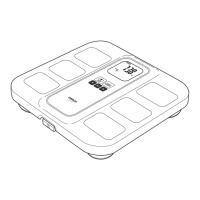
5. Measuring Weight Only
1. Turn on the power.
“CAL” blinks on the
display, then the
display changes to “0.0
kg”.
Note: If you step onto the unit before “0.0 kg”
appears on the display, an error
message “Err” will appear.
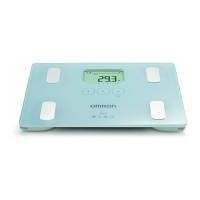
2. When the “0.0 kg” is displayed, step
onto the unit.
3. Check the measurement result.
Your weight is displayed and blinks twice to
indicate that the measurement is completed.
Note: You can also check the measurement
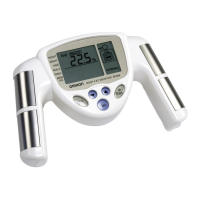
result by taking out the display unit.
4. When the measurement is completed,
step down from the unit and turn off
the power.
BMI
BMI (Designation by the WHO)
BMI Classification Bar
BMI Rating
- (Underweight)
0 (Normal)
+ (Overweight)
++ (Obese)
BMI < 18.5
18.5 < BMI < 25
25 < BMI < 30
30 < BMI
>
_
_
>
_
_
>
_
_
7.0 - 10.7
10.8 - 14.5
14.6 - 18.4
18.5 - 20.5
20.6 - 22.7
22.8 - 24.9
25.0 - 26.5
26.6 - 28.2
28.3 - 29.9
30.0 - 34.9
35.0 - 39.9
40.0 - 90.0
HBF-508-E_main.book 11 ページ 2011年12月28日 水曜日 午後5時11分







 To Next Page
