Section 3: Ethernet to Serial Adapter Setup
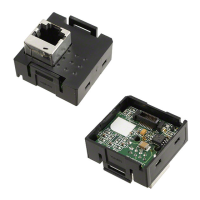
The CP1W-ETN01-US is assigned a default IP address of 192.168.250.11. The IP
address can be changed using a web browser pointed to the IP address of the adapter.
A static IP address must be assigned to the PC’s Ethernet card for this purpose. Simply
enter the IP address of the adapter (192.168.250.11) in the web browsers address field
to access the configuration page.
If you would like to change the IP address of the adapter then enter the desired new IP
address (192.168.1.151 shown as an example), then click Apply Setting. Please
remember to take note of the new IP Address of the adapter (if you changed it).
Page 4 of 8


 To Next Page