4
2. Preparation
2.1
Removing the Insulating Tape
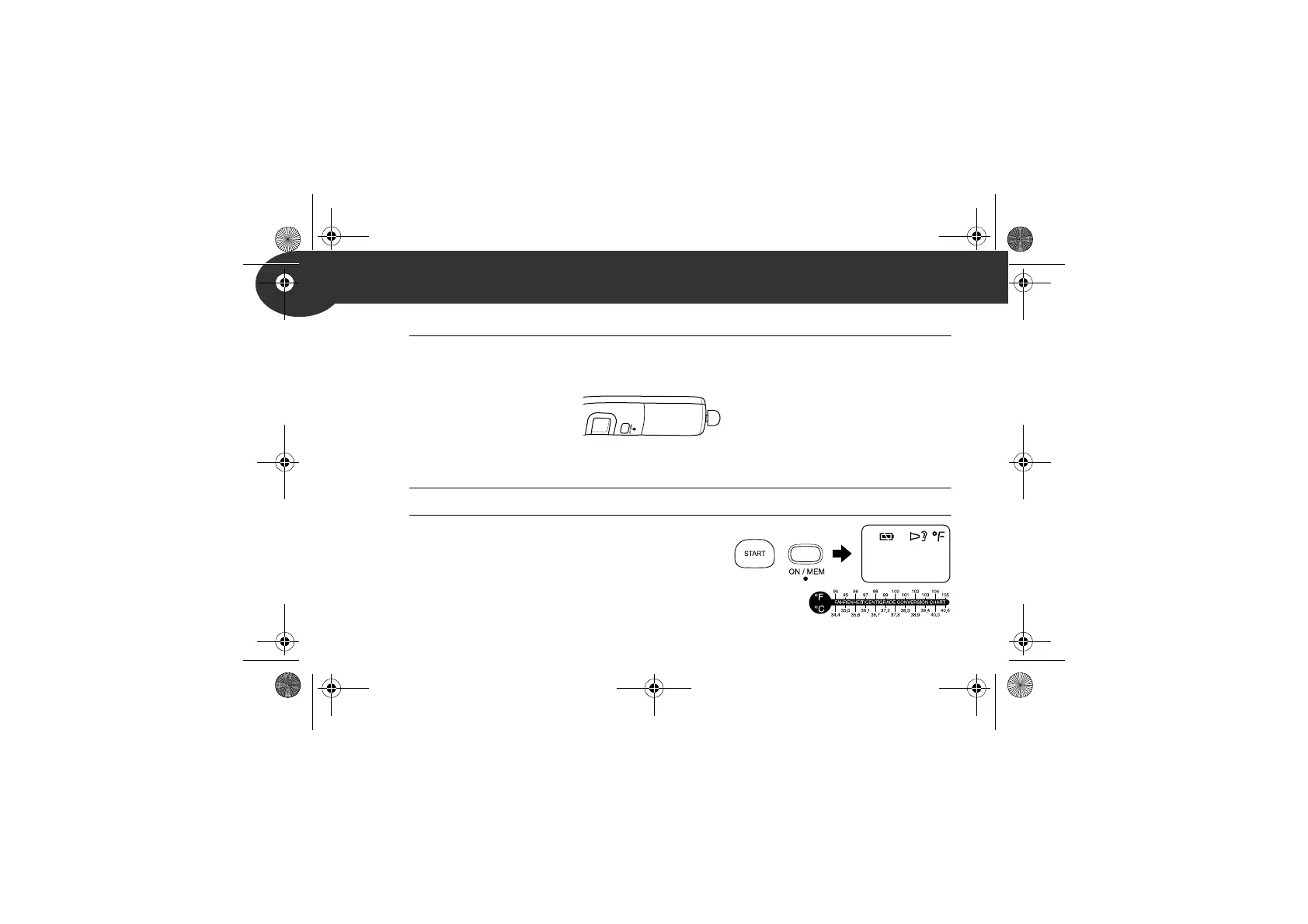
Pull the insulating tape out from the battery compartment by catching
hold of the outer part for the first time.
2.2
Switching between °C and °F
This unit is set in °C as default.
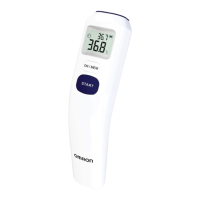
1. While the power is off, press and hold the START button.
2. While holding it down, press and hold the
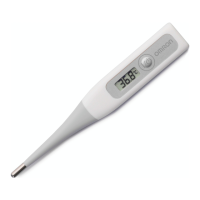
ON/MEM button until °F appears on the
display with 2 beeps.
Notes:
• To select the °C mode, start from step1.
• When the unit is switched between °C and °F, all the readings stored in the
memory are deleted.
MC-520-E_A_M_main.book Page 4 Monday, April 16, 2018 5:03 PM






 To Next Page