2. Preparation
5
EN
2.3
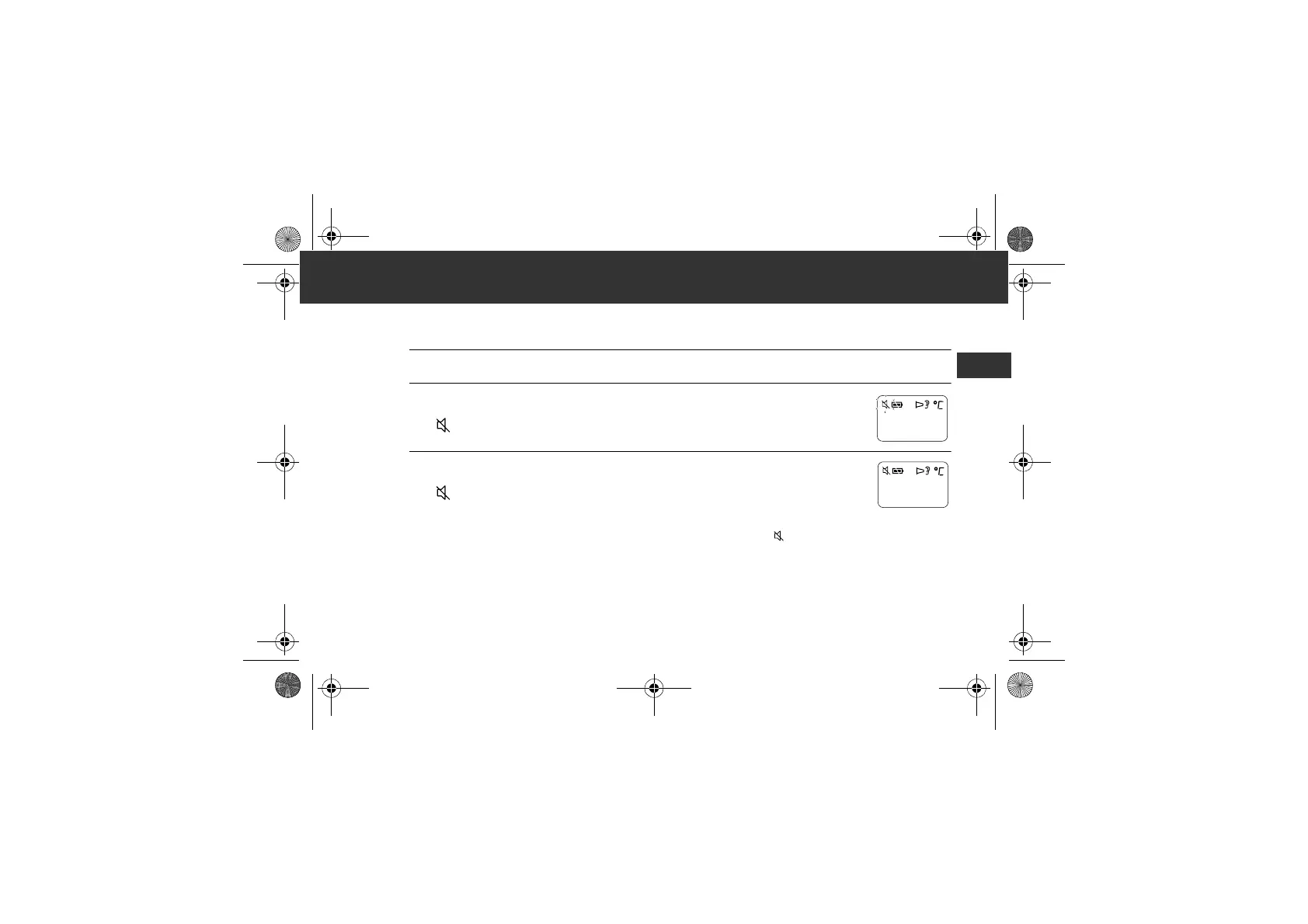
Setting the Buzzer
The buzzer is set on as default.
1. Press the ON/MEM button to turn on the unit.
2. Press and hold the ON/MEM button for 3 seconds.
The “ ” symbol flashes on the display.
3. Release the ON/MEM button.
The “ ” symbol remains lit and the buzzer is set to off.
Notes:
• If the ON/MEM button is pressed down for more than 5 seconds after the “ ” flashing, the unit turns off without
setting the buzzer.
• To turn the buzzer on, start from step1.
MC-520-E_A_M_main.book Page 5 Monday, April 16, 2018 5:03 PM










 To Next Page