35
HOW TO USE THE MEMORY FUNCTION
Viewing Previous Measurement Results
Follow this process if you want to view and compare previous measurement results without taking a
measurement.
1. Press the Power Switch to turn the monitor ON.
The CAL symbol blinks on the display, then the display
changes to 0.0 lb.
Wait until 0.0 lb appears on the display.
NOTE: If you step onto the measurement platform before 0.0
lb appears on the display, an error message “Err” will
appear.
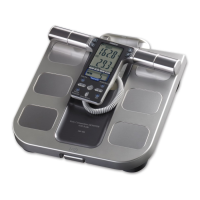
2. When the 0.0 lb appears on the display, lift the Display
Unit out of the Display Unit Holder.
NOTE: Do not take out the display unit until 0.0 lb appears on
the display.
3. Press the desired Personal Profile Number
button.
Ex.: To select Personal Profile Number “1”, press
button .










 To Next Page