E21E21
3. CONFIRME LA CONFIGURACIÓN
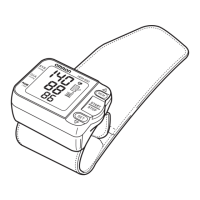
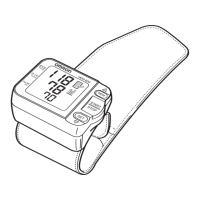
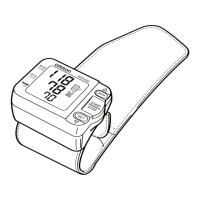
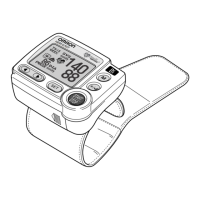
Para cambiar otras configuraciones, presione el botón SET
(Configuración) para confirmar la función APS seleccionada. Aparece
la pantalla de muñeca.
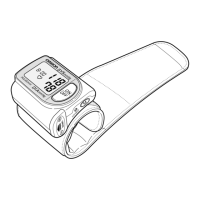
Si no necesita realizar otros cambios, presione el botón START/STOP
(Inicio/Detener) para apagar el monitor.
CONFIGURACIÓN DEL SENSOR DE POSICIONAMIENTO AVANZADO


 To Next Page