EasyManua.ls Logo

Omron MIT5s Connect - User Manual

Omron MIT5s Connect
44 pages
Print Icon
To Next Page IconTo Next Page
Loading...
IM-HEM-7280T-E-03-02/2017
5344802-4C
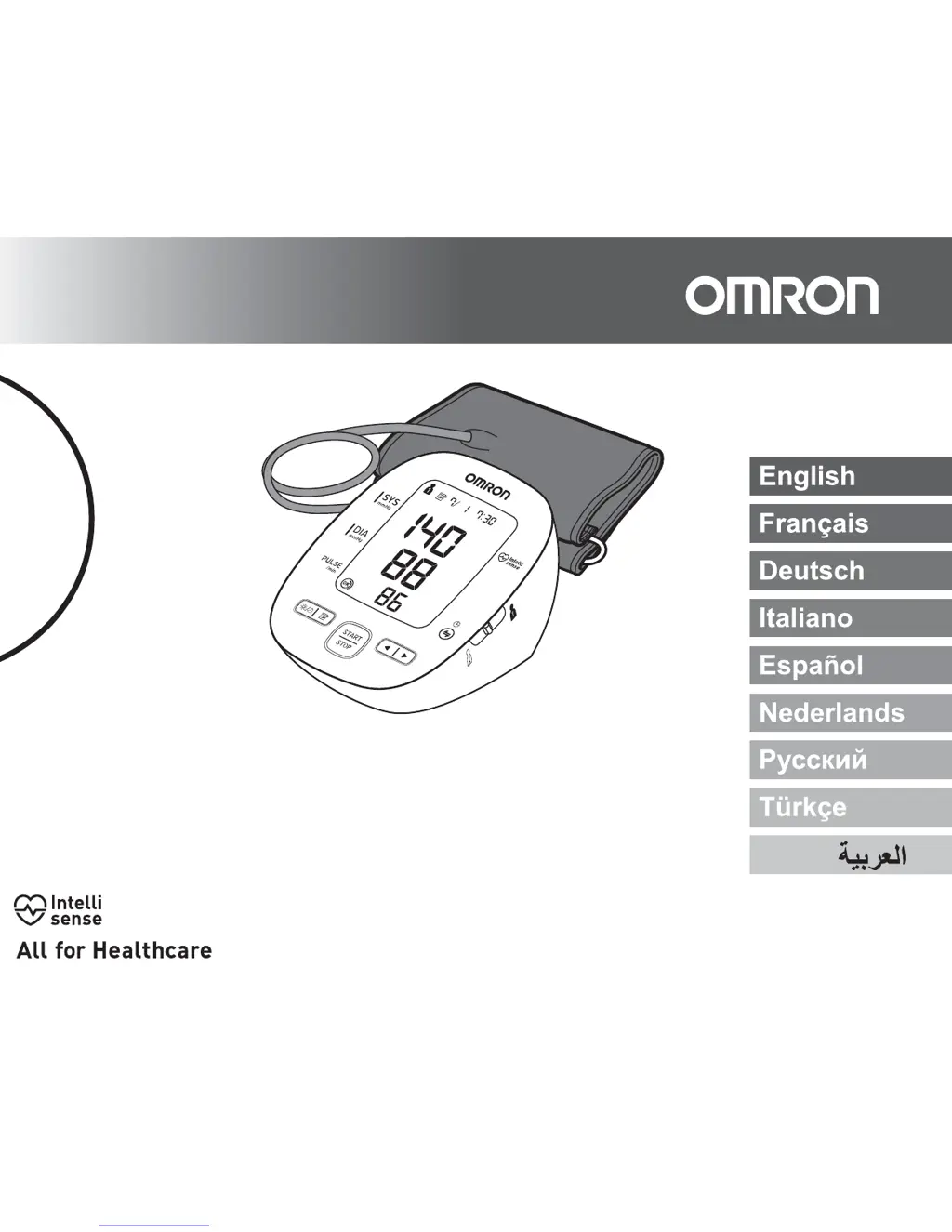
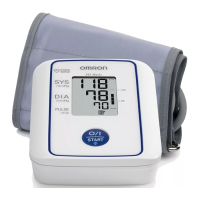
Automatic Upper Arm Blood Pressure Monitor
MIT5s Connect (HEM-7280T-E)
Instruction Manual

Questions and Answers

  • A
    Anna HenryAug 8, 2025
    What to do if irregular heartbeats are detected on Omron MIT5s Connect Blood Pressure Monitor?
    • T
      Teresa PerezAug 9, 2025
      If you detect irregular heartbeats on your Omron Blood Pressure Monitor, remove the arm cuff, wait 2-3 minutes, and take another measurement, repeating the steps. If the error persists, it is recommended to contact your physician.
  • L
    Luis GarrisonAug 15, 2025
    What to do if Omron MIT5s Connect Blood Pressure Monitor shows error E2?
    • B
      Barbara PageAug 15, 2025
      If you experience movement during measurement, and the arm cuff hasn't inflated enough on your Omron Blood Pressure Monitor, repeat the measurement, remaining still and silent. If 'E2' appears repeatedly, manually inflate the cuff to 30-40 mmHg above your previous reading.
  • J
    james68Aug 21, 2025
    How to fix air leaking from Omron MIT5s Connect Blood Pressure Monitor arm cuff?
    • B
      Barry SchneiderAug 21, 2025
      If air is leaking from the arm cuff of your Omron Blood Pressure Monitor, replace the arm cuff with a new one.
  • E
    Erica SantosAug 26, 2025
    What to do if the Omron Blood Pressure Monitor batteries are exhausted?
    • M
      mackrobertAug 27, 2025
      If the batteries in your Omron Blood Pressure Monitor are exhausted, replace them with new ones immediately.
  • F
    Felicia WardSep 2, 2025
    How to fix disconnected air plug on Omron Blood Pressure Monitor?
    • B
      Bridget PowersSep 2, 2025
      If the air plug is disconnected from your Omron Blood Pressure Monitor, insert it securely.

Summary

Important Safety Information

General Usage Safety

Safety precautions related to general use of the blood pressure monitor.

AC Adapter Usage Safety

Safety precautions for using the optional AC adapter and power cord.

Battery Usage Safety

Safety precautions for battery installation and usage.

General Precautions

General precautions for operating the device and handling components.

Know Your Device

Before Taking a Measurement

Provides essential steps and advice to follow before taking a blood pressure measurement.

Preparation

Using with Smartphone

Instructions on how to connect and use the monitor with a smartphone app.

Using the Device

Applying the Arm Cuff

Instructions on how to correctly apply the arm cuff to the upper arm.

Taking a Measurement

Step-by-step process for performing a blood pressure measurement.

Error Messages and Troubleshooting

Error Messages

Lists common error displays, their causes, and solutions.

Troubleshooting Common Problems

Provides solutions for common operational problems and inaccurate readings.

Maintenance and Storage

Specifications

Warranty

Omron MIT5s Connect Specifications

General IconGeneral
Device TypeBlood Pressure Monitor
TypeAutomatic
ConnectivityBluetooth
DisplayLCD
Measurement MethodOscillometric
Measurement Range (Pressure)0 to 299 mmHg
Accuracy (Pressure)±3 mmHg
Accuracy (Pulse)±5% of reading
Memory100 readings
Irregular Heartbeat DetectionYes
Cuff Wrapping GuideYes
Clinically ValidatedYes
Measurement Range (Pulse)40 to 180 beats per minute
CompatibilityOmron Connect app
Cuff Size22 to 42 cm

Related product manuals