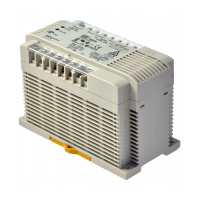
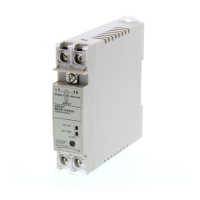
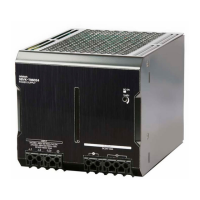
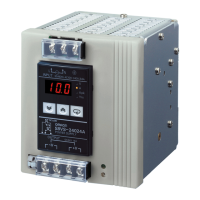
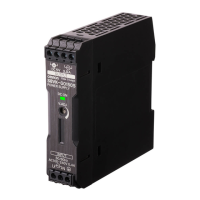
S82J
S82J
20
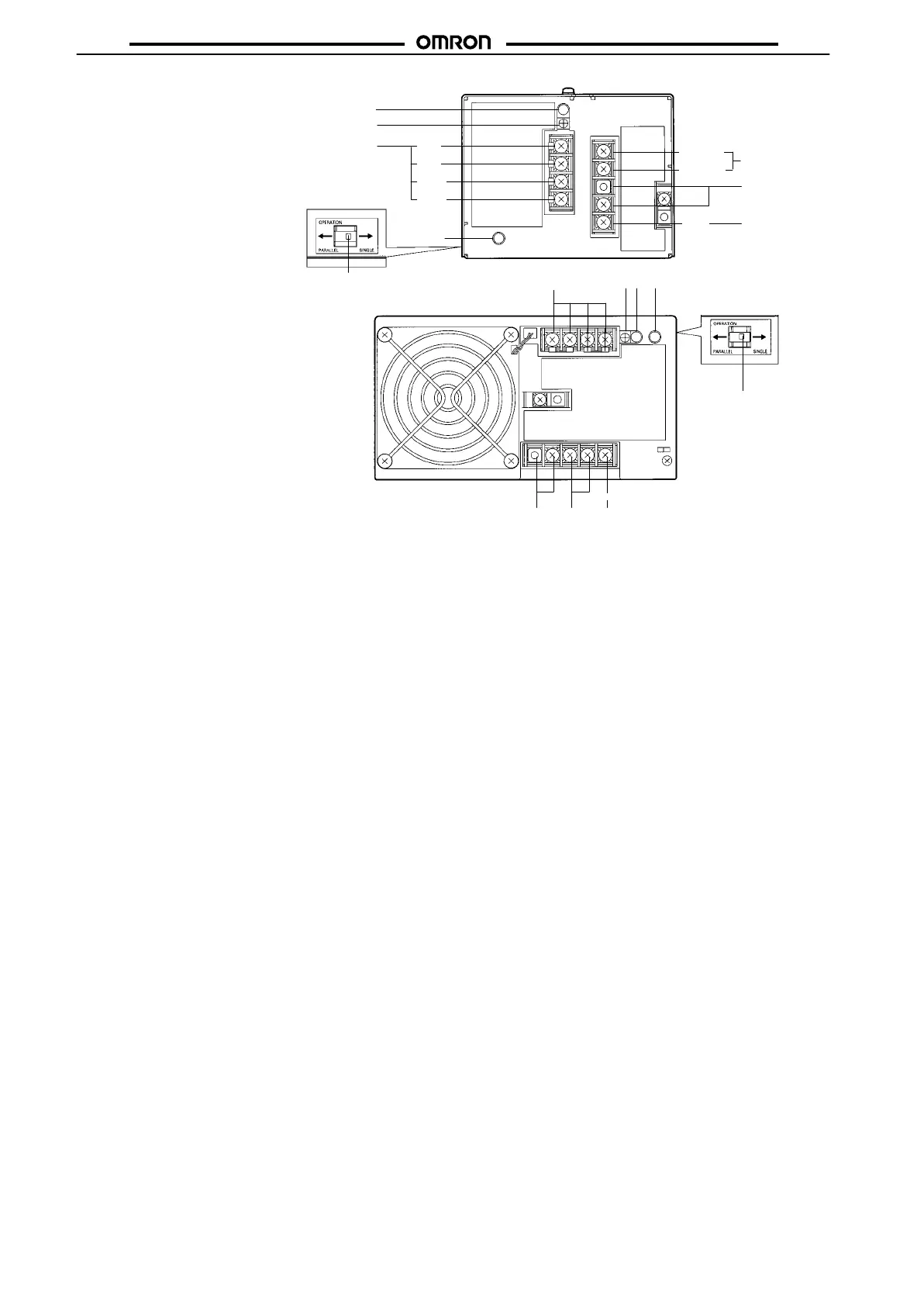
1. DC Output Terminals:
Connect the load lines to these terminals.
2.
Input T
erminals:
Connect the input lines to these terminals.
Note
: A fuse is inserted into the AC (L) side.
3. Ground Terminal (GR):
Connect a ground line to this terminal.
4. Input
V
oltage T
erminals:
Short-circuit the terminals if the input is 100 to 120 V
AC and open the terminals if the input is 200 to 230 V
AC
5. Output Indicator (DC ON):
Lights while a Direct Current (DC) output is ON.
6. Output V
oltage Adjuster (V
.ADJ):
It is possible to increase or decrease the output voltage by 10%.
7. Protection-ON
Alarm Indicator:
The red indicator will be lit if the overvoltage (for a 300-/600-W model) or overheat protection (for a
600-W
model) circuit is triggered. This indicator will also be lit when overcurrent (for a 600-W model) is detected.
8.
Parallel/Single Operation Selector:
Set the selector to P
ARALLEL if the Units are in parallel operation.
9. NC Terminals:
Leave unconnected.
600-W Models
+V
+V
*V
*V
5
6
1
AC
(L)
AC (N)
2
4
3
GR
300-W Models
1
65 7
8
4
2
3
AC
(L)
AC (N)
GR
8
Side view
7
Side view



 To Next Page