11
EN
10 Battery life and replacement
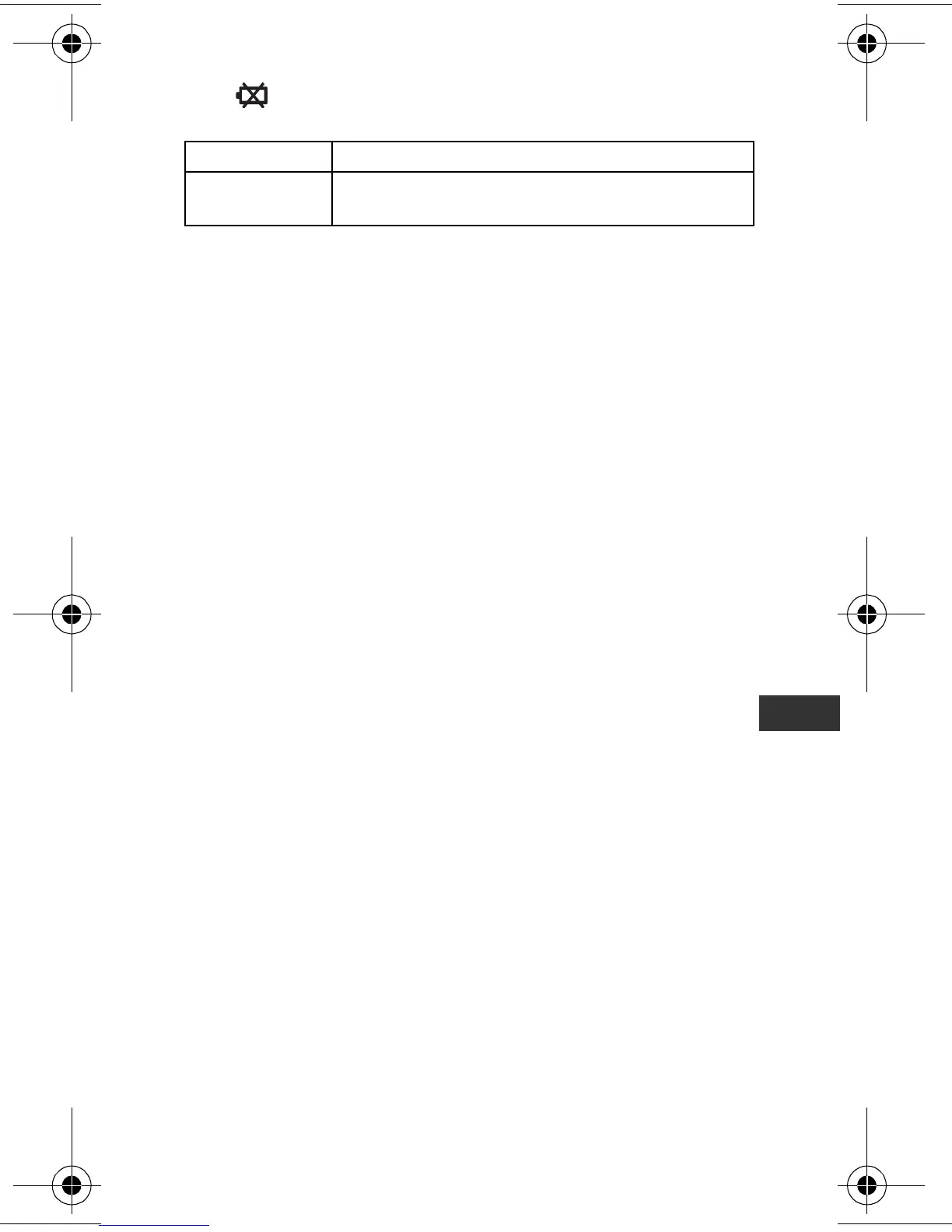
If the symbol blinks or appears on the display, replace the
battery with a new (CR2032) battery.
Notes:
• Do not replace the battery around midnight (0:00). The
measurement results of the day when the battery was removed will
be added to the measurement results for the day the battery was
inserted.
(It is assumed that the battery will be removed and replaced with a
new one on the same day.)
• The measurement results are automatically stored in memory on
the hour (e.g. at 0:00, 1:00, 2:00, ... 21:00, 22:00, 23:00). The
measurement results from the hour until the time the battery is
replaced will be deleted for that day.
• When the battery is removed, the time will be reset to “0:00”. Set
the time after inserting the new battery (refer to Chapter 5
“Settings”).
(The measurement results stored in memory and the weight,
height, and stride length settings are not deleted.)
Blinking Battery power is low.
Appears
continuously
Battery power exhausted.
The unit stops counting steps.
HJ-304-E_EN-FR-DE-IT.book Page 11 Tuesday, August 5, 2008 11:46 AM









 To Next Page