6
7 Checking the measurement result
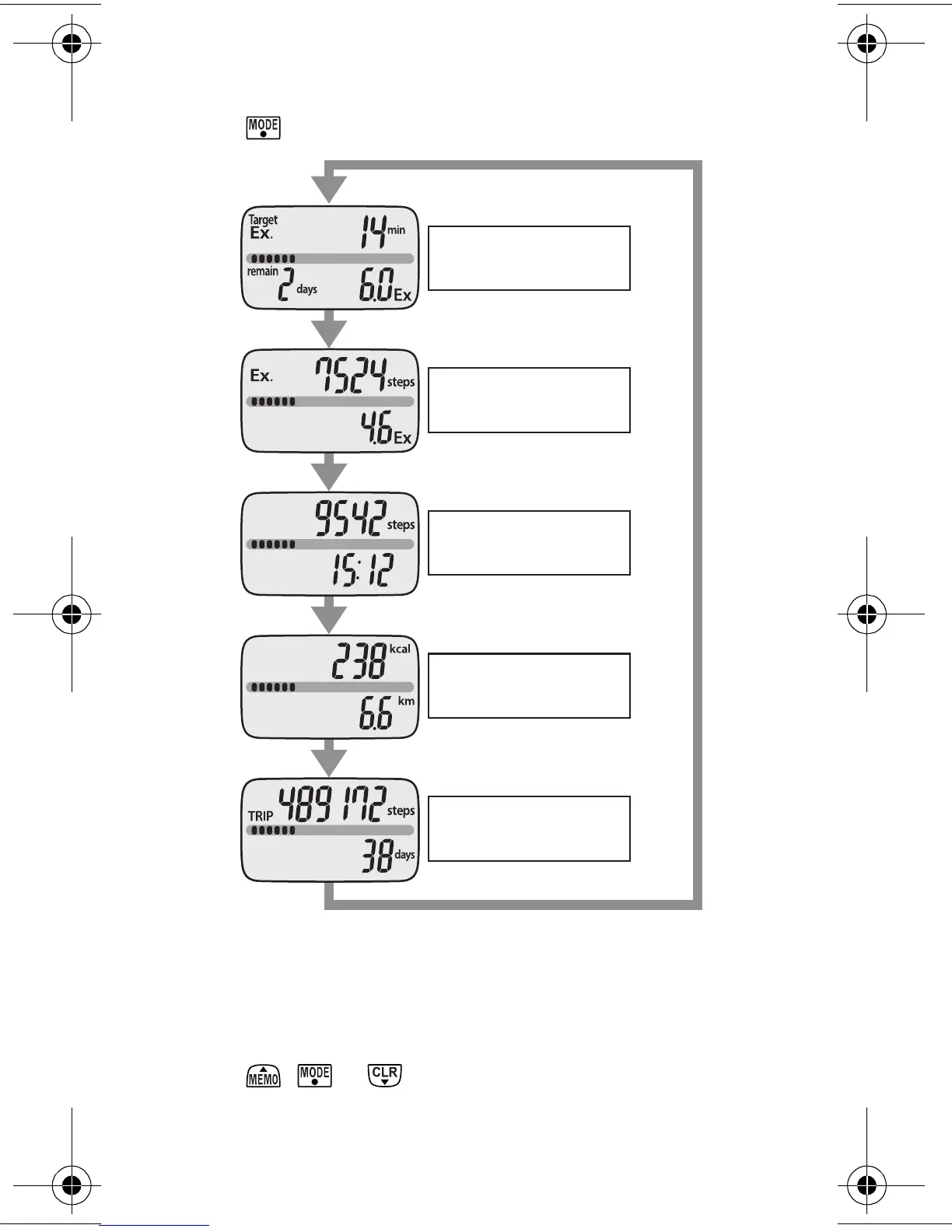
7.1 Button operation flow
Press to change the display.
■
About the energy saving function
In order to save energy, the display of the unit will be turned
off if no buttons are pressed for more than 5 minutes.
However, the unit will continue to monitor your step count.
Press , or to turn the display on again.
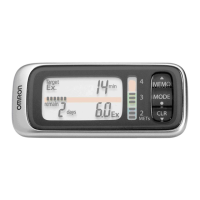
Ex steps/Ex
quantity display
Step count/Time
display
Calories/Distance
display
Trip steps display
Target display
(Refer to Chapter 7.2)
(Refer to Chapter 7.2)
(Refer to Chapter 7.2)
(Refer to Chapter 7.2)
(Refer to Chapter 7.2)
HJ-304-E_EN-FR-DE-IT.book Page 6 Tuesday, August 5, 2008 11:46 AM









 To Next Page