www.onbonbx.com Page 7
Physical Instruction
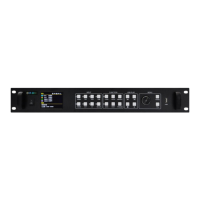
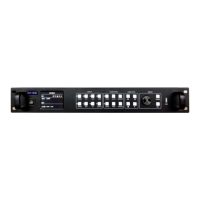
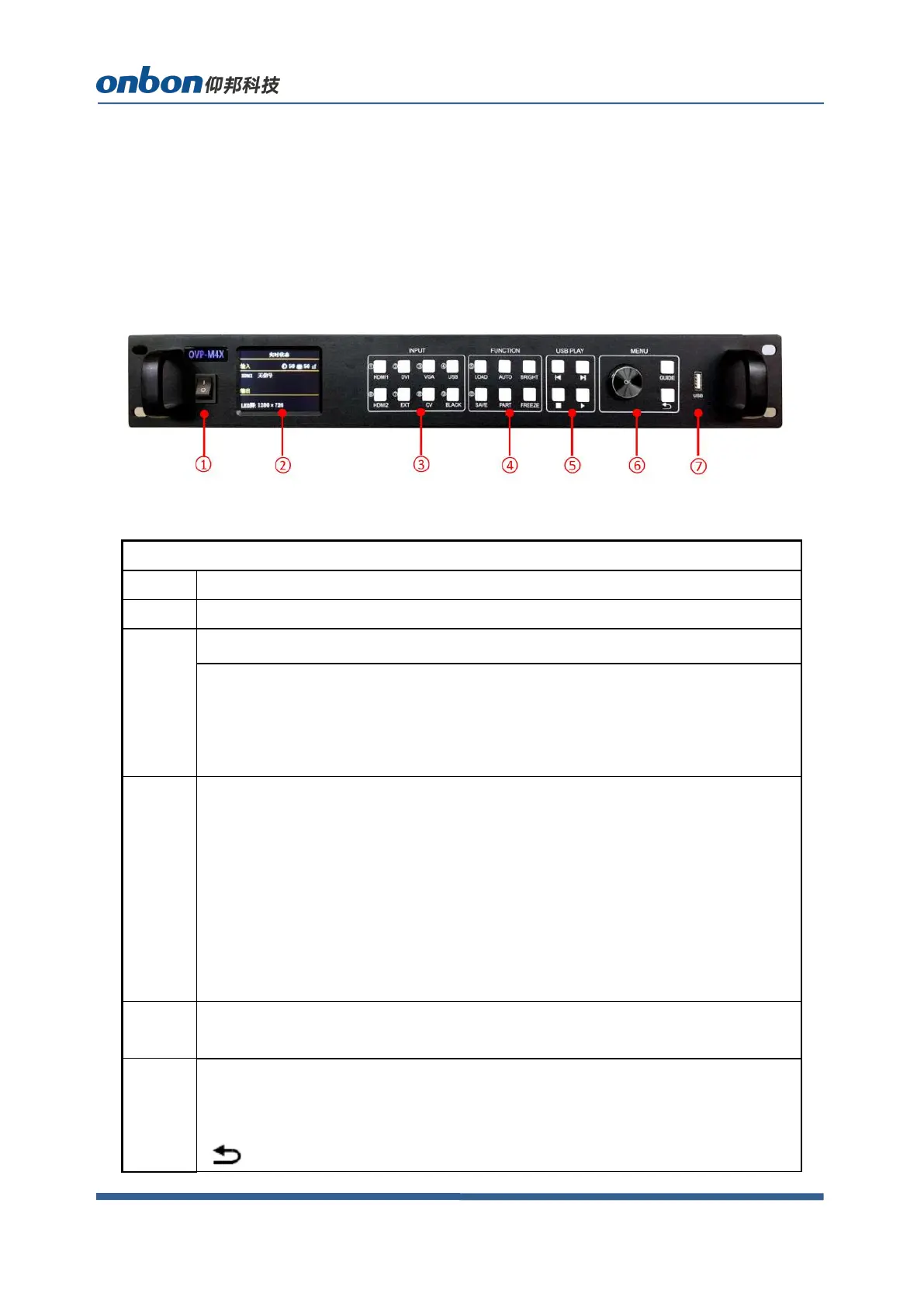
Front board
Turn on/off button for power supply
2.8" full color LCD screen(320*240)
LCD screen operation area, show status of system.
INPUT area
Buttons for inputting signals. There are 8 buttons from [DVI] ~ [USB].
Note: Output will be in black status if you press BLACK and LED indicator
light is on.
FUNCTION area
Part of functions and menu, 6 buttons:
[LOAD]:Switch to user mode menu.
[AUTO] :Automatic calibration for VGA input.
[BRIGHT]:Switch to brightness adjustment menu.
[SAVE]:Switch to user mode saving menu.
[PART]:Display part or full.
[FREEZE]:Freeze photo,as to display photo statically.
USB PLAY area
U disk operation area, it includes four buttons: Last one, next one, stop, play.
MENU area
Short press rotating[OK]button: enter into main menu or confirm inputting.
[GUIDE]:Switch to “intelligent guiding”
[ ]:Return.


 To Next Page
 Loading...