8
Blank
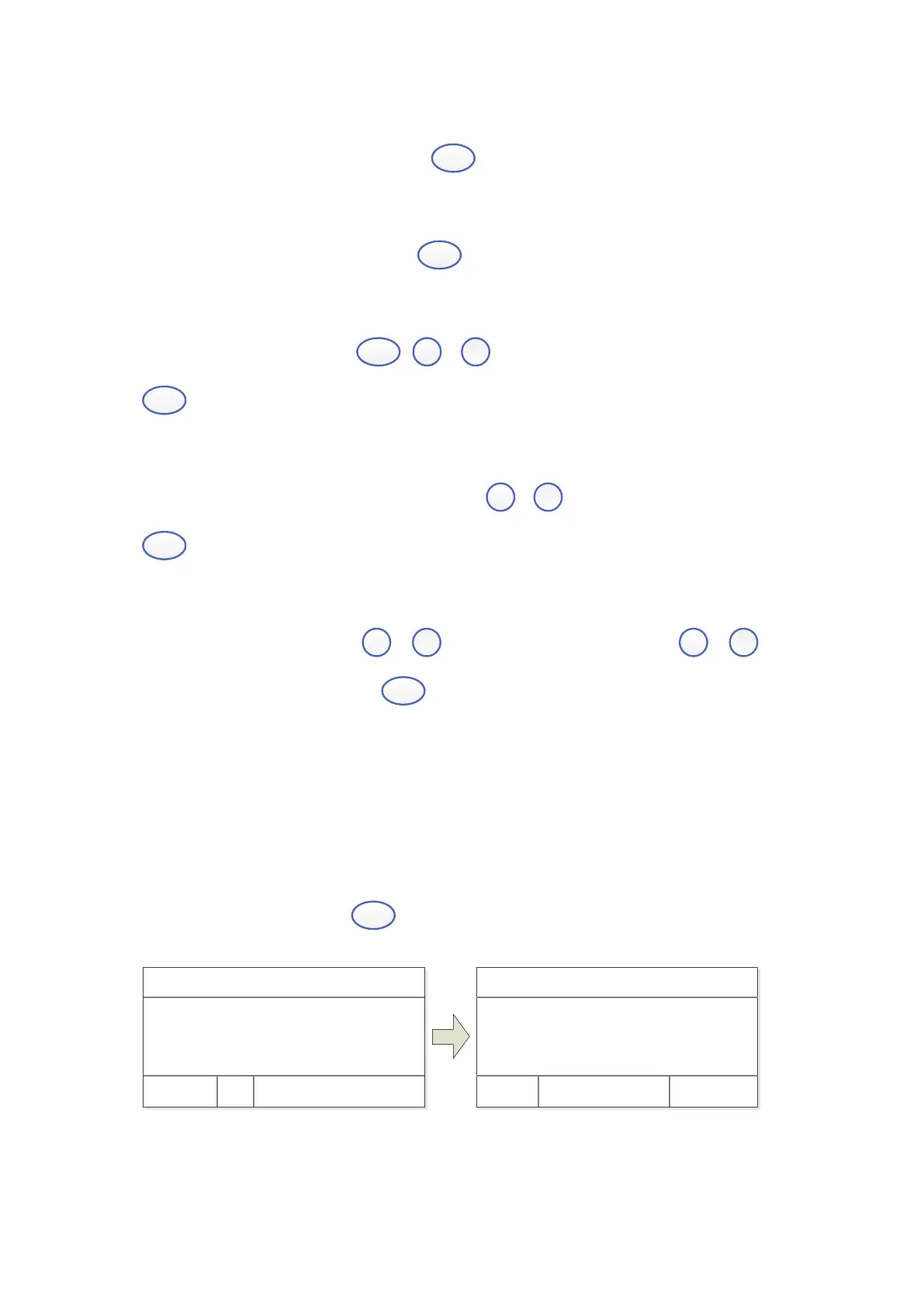
Put the Reference in the light path, press
to do blank.
Measure Samples
Put the samples in the light path, press
(left) to measure.
Print the test results
Test Interface, press the key
,
,
select “Print, clear data”, press the key
(left) to print.
Store the Standard Curve
After got the Standard Curve by Marked, press
,
input the file name and press
(left) to save.
Load the Standard Curve
“Quantitative” interface, press
,
to select “Load Curve”, press
,
to
choose the curve you want, press
(left) to open.
Measuring
1. Photometry
Step 1. Start Photometry
Main Interface, press key
(left) to choose “Basic”.
WL: 500. 0nm 0. 000A
100. 0%T
Basi c Quant i t at i ve
WL: 500. 0nm 0. 000A
No. WL %T Abs.
Test Cancel
Step 2. Set Wavelength


 To Next Page