9
Press
to set wavelength, press
,
to input wavelength value, press
(left) to go to wavelength.
Step 3. Blank
Put the Reference in the light path and press
to do blank.
Step 4. Measure samples
Put the sample in the light path, and then the result displays on the screen automatically,
press
(left) to record.
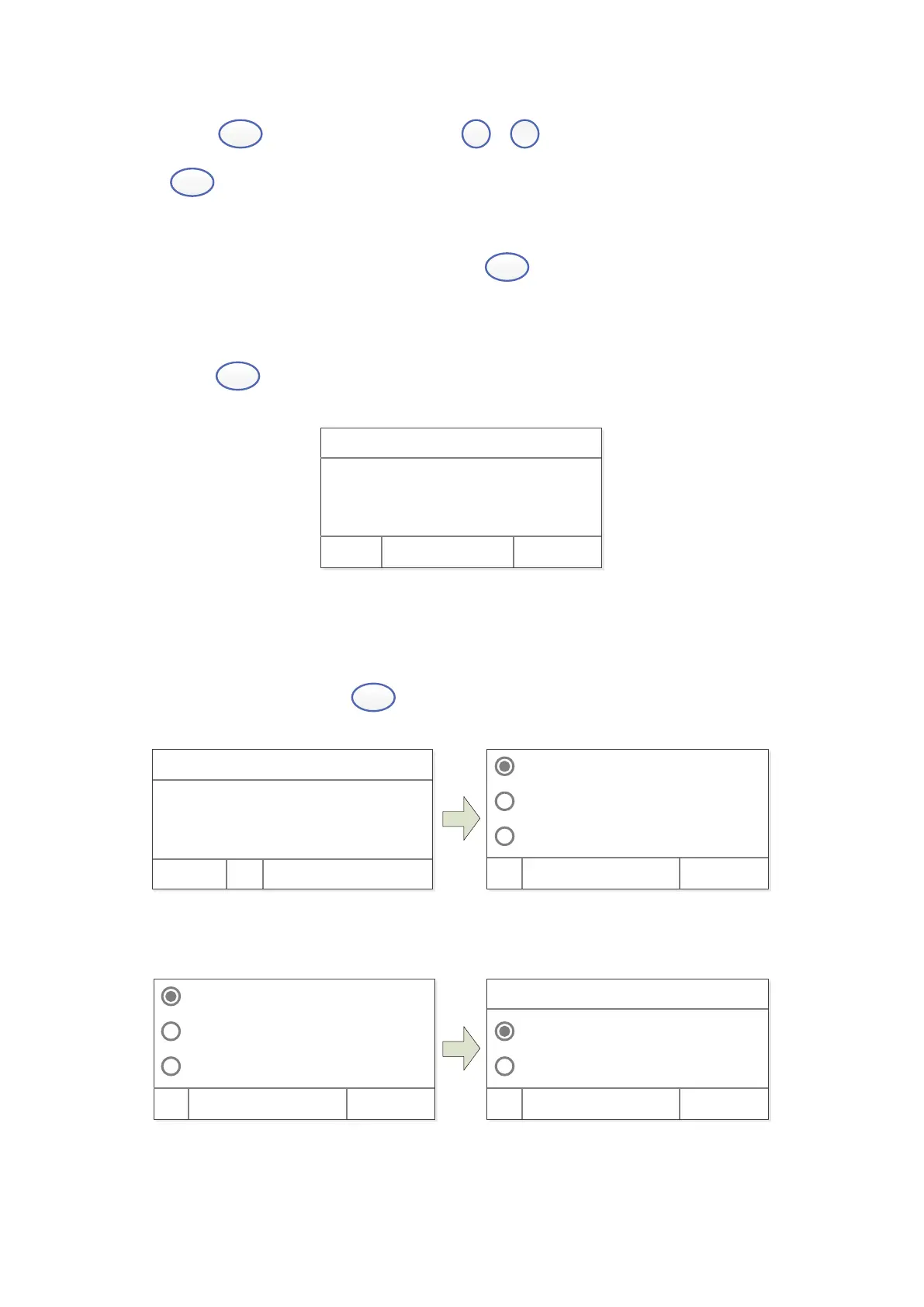
WL: 500. 0nm 0. 000A
No. WL %T Abs.
1 500. 0 100. 0 0. 000
2 500. 0 100. 0 0. 000
Test Cancel
2. Quantitation
Step 1. Start Quantitation
Main Interface, press key
(left) to choose “Quantitative”.
Cr eat e Cur ve
Load Cur ve
Cl ear Cur ve
OK Cancel
WL: 500. 0nm 0. 000A
100. 0%T
Basi c Quant i t at i ve
Step 2. Establish or call Standard Curve
Cr eat e Cur ve
Load Cur ve
Cl ear Cur ve
OK Cancel
Coef f i ci ent
St andar d Cur ve
OK Cancel
WL: 500. 0nm
2 methods to establish Standard Curve:


 To Next Page