17
Replace Lamps
Hot! Wait 20 minutes before open the lamp chamber after power off to
avoid scald!
Step 1. Tools preparation
Prepare a 6×150mm Cross Blade screwdriver and a pair of glove.
Step 2. Power Off
Switch off the power supply and unplug the socket.
Step 3. Open the cover
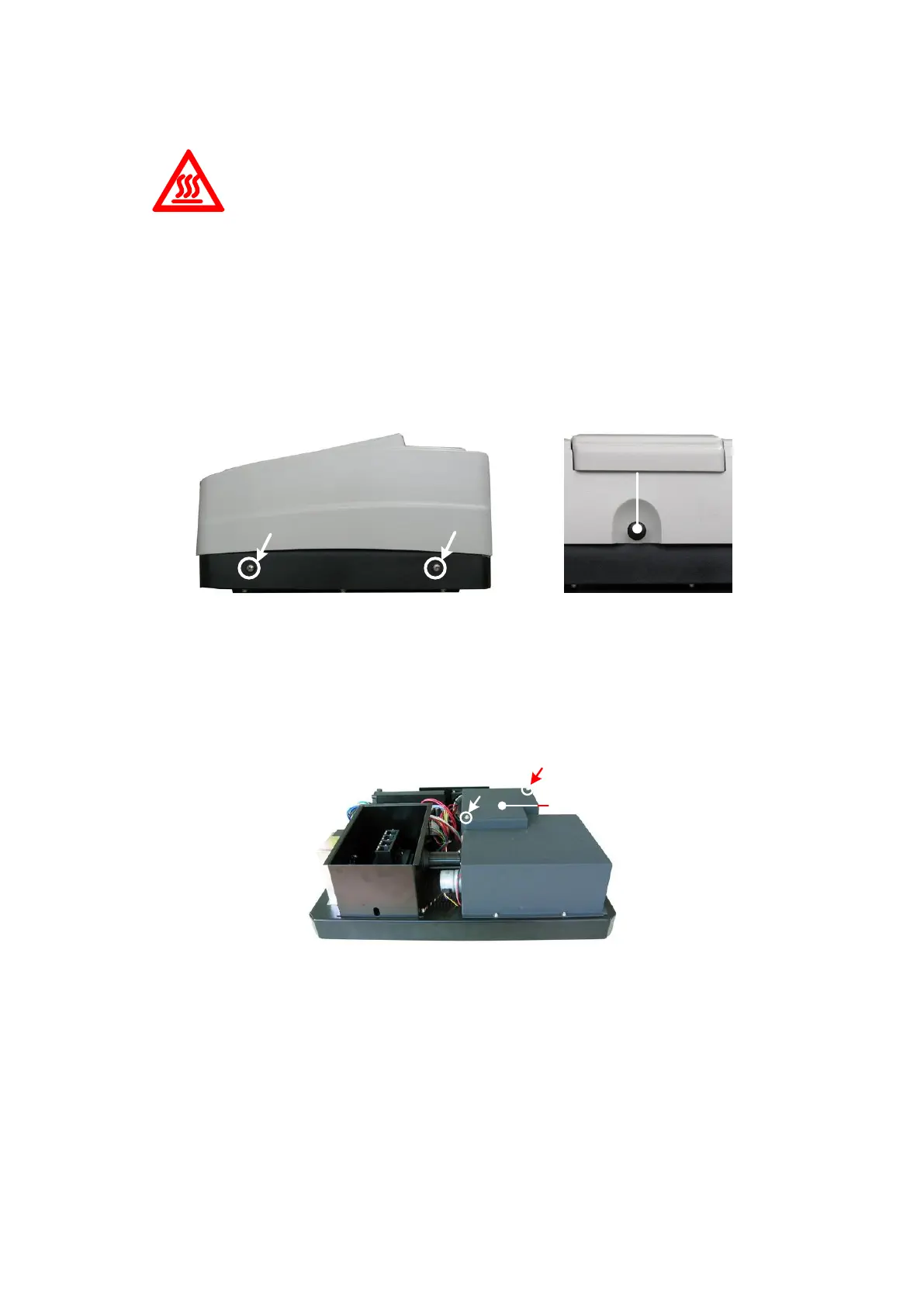
Unscrew the 4 screws indicated(Each side with 2 screws) and remove the cover.
Step 4. Open the cover of the light chamber
Unscrew the 2 screws on the light chamber cover and remove it.
Step 5. Replace W lamp
Pull out the defected W lamp and draw on the cotton glove. Insert the new W lamp as deep
as possible on the lamp seat. Be sure to keep the filament in the same direction as the old
one face.


 To Next Page