ONE FOR ALL 6-DEVICE PVR UNIVERSAL REMOTE CONTROL
2 Features and Functions
• Device Key Re-Assignment to remotely
control a second (duplicate) device
• Color-coded keys to quickly locate
popular functions
• Code library for popular video and
audio devices
The URC-6131 remote control requires two
(2) new AAA alkaline batteries (not
included) and some easy programming to
control your devices. For best results, please
read and perform all instructions listed
here. Also, keep these instructions for future
reference.
FEATURES AND FUNCTIONS
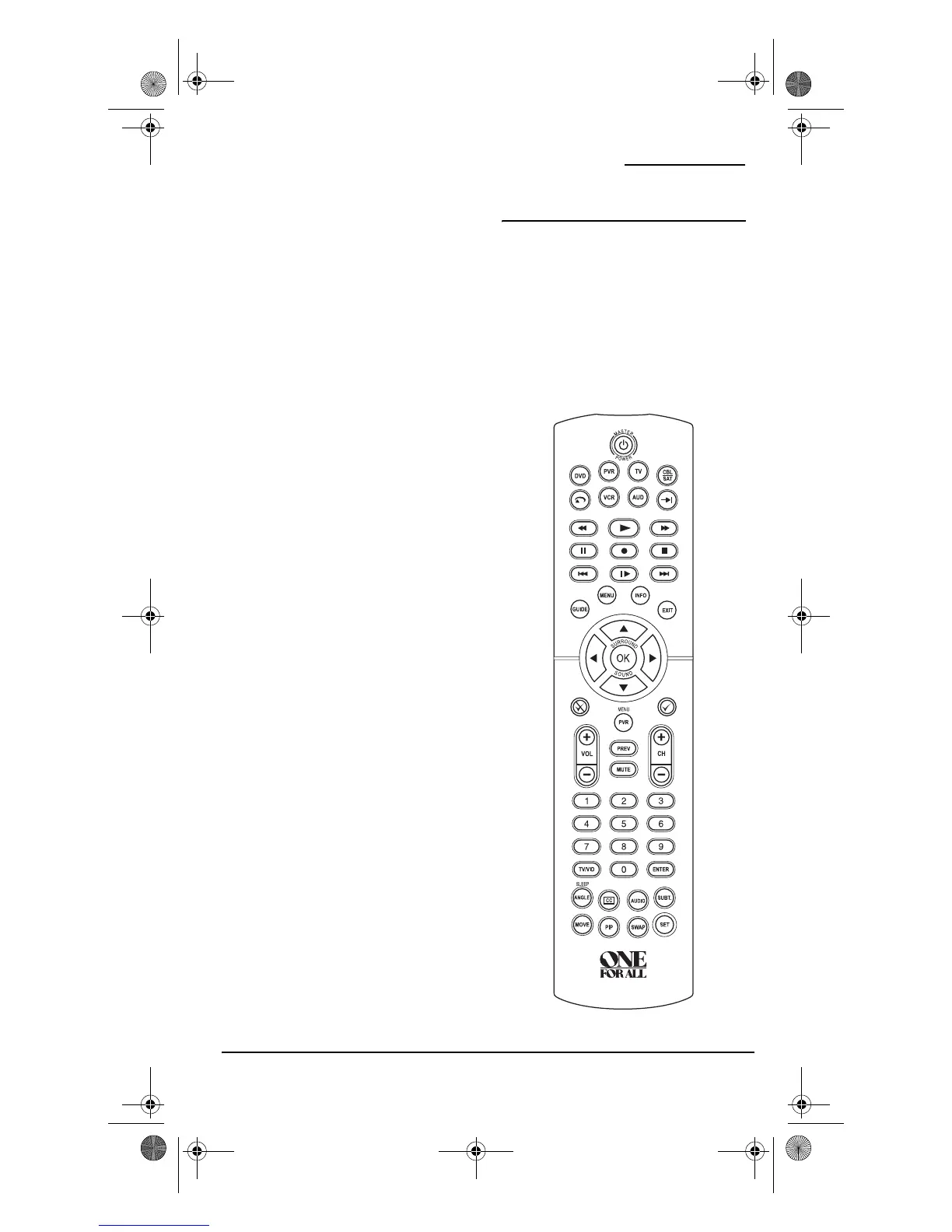
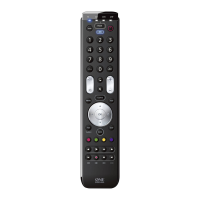
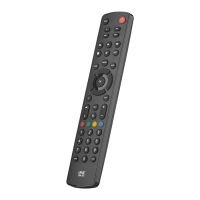
Use the illustration below to locate features
on the One For All 6-Device PVR Universal
Remote Control (URC-6131nw) and then
study the “Key Charts” to learn how they
function.
To find out what type of devices can be
controlled by each device key after
programming, see the “Device Table” on
page 5.
PVR 6 Owners Manual.fm Page 2 Monday, December 20, 2004 11:17 AM






 To Next Page