8.3 Program Running
8.3.1 HDD Play Mode
System will detect HDD automatically when you connect DVR to your PC with USB cable.
An USB icon “ ” will appear in the system tray (right bottom corner of the screen).After seeing
this icon, double-click the “ ” icon on your desktop to run the program.
Note: If you do not strictly follow above-mentioned steps, the program may fail to read recording
files.
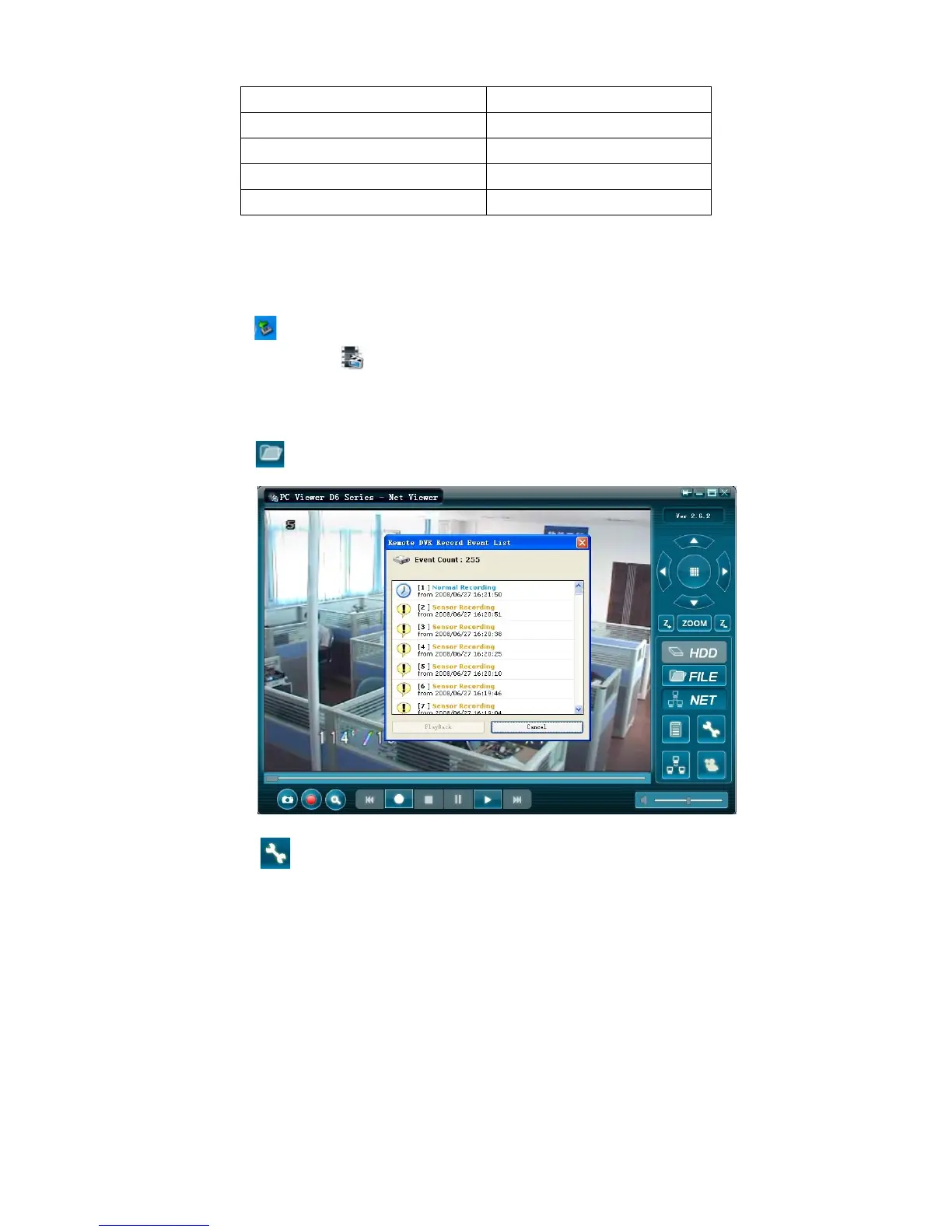
Press the “ ” (button 6) to open the video event list.
Press the “ ” (button 7) to proceed the program local settings. E.g.: Save route settings
for capture image and AVI record files



 To Next Page