EasyManua.ls Logo

One Link DVR - DVR Setup

Default Icon
23 pages
To Next Page IconTo Next Page
To Previous Page IconTo Previous Page
Loading...
User Manual
6
Chapter 5: DVR Setup
5.1 Browsing the Main Menu
5.2 Menu Directory
Camera Setup
Record Setup
Record Framerate
Video Quality
Record Schedule
Sensor Setup
Hard Drive Setup
Miscellaneous Setup
Network Setup
Language
Reset Menu
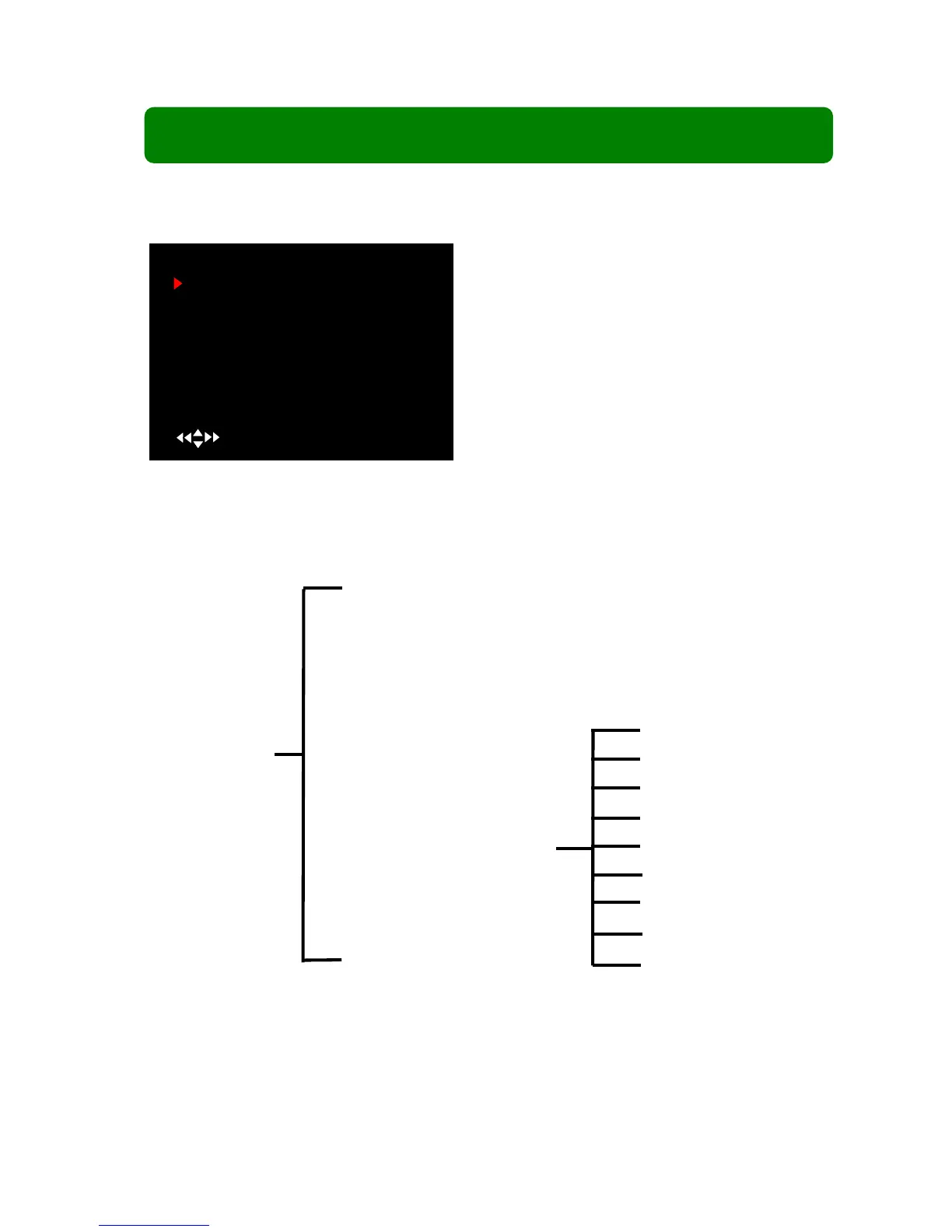
When start up is finished, please press [MENU] to
enter the Main Menu.
MAIN MENU
CAMERA SETUP
RECORD SETUP
RECORD FRAMERATE
VIDEO QUALITY HIGH
RECORD SCHEDULE
SENSOR SETUP
HARD DRIVE SETUP
MISCELLANEOUS SETUP
NETWORK SETUP
LANGUAGE ENGLISH
RESET MENU
( ) MOVE (SEL) SELECT (MENU)EXIT
Main Menu
Change Password
Set Time
Hidden Channel
Audio Port Setup
Image Parameters
Password Enable
Keypad Tones
Seq. Dwell Time
VIideo Loss Sound