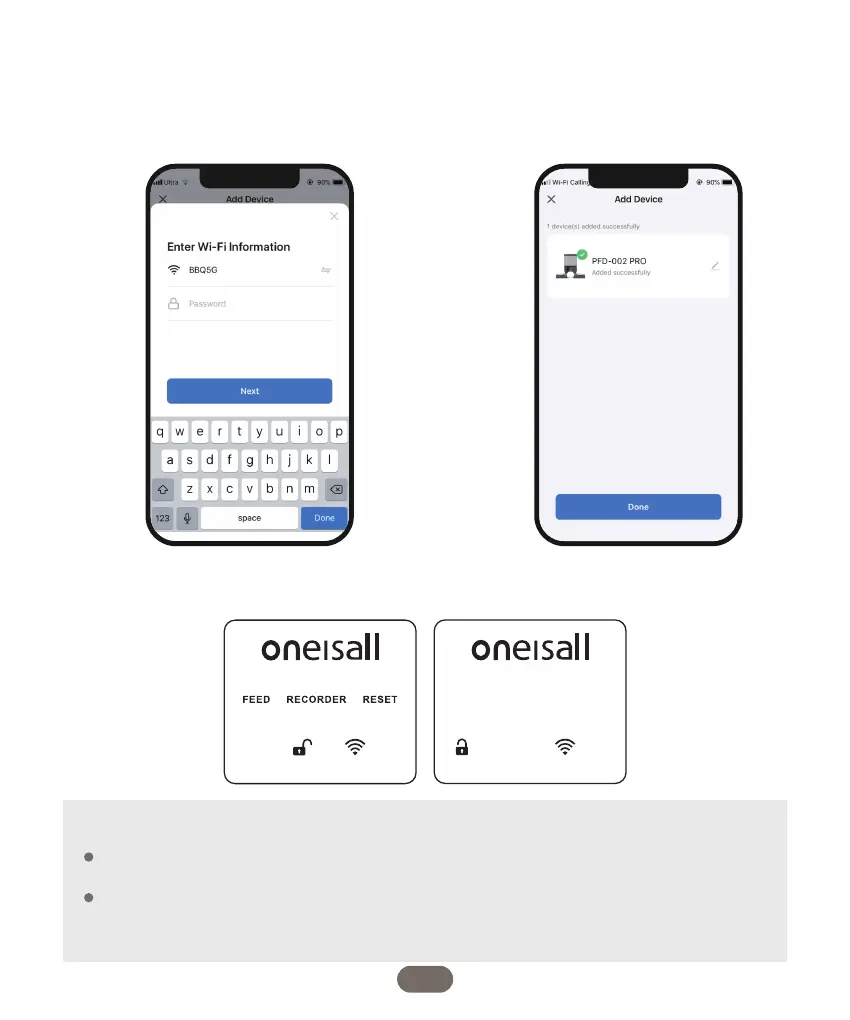
6. When connecting the feeder for the first
time or switching to a new Wi-Fi network,
you will be prompted to enter the Wi-Fi
password. Please enter the password in the
provided field and click on the "Next" button
to continue.
7. Please wait patiently for the connection
to be established and succeed. This may
take a few moments.
8. Once the connection is successfully established, click on the "Done" button to finalize the
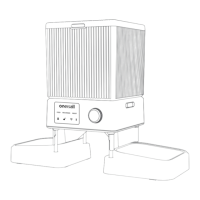
setup. You will notice that the WIFI icon on the device will turn white and stop blinking.
When connecting the feeder to the power outlet, please note that the middle menu
bar on the device will disappear automatically after 5 seconds of no user interaction.
When using batteries as the sole power supply, it's important to be aware that the
entire screen will turn black after 30 seconds of inactivity. To reactivate the screen,
simply turn the dial as desired, and it will light up again.
08
Note:


 To Next Page