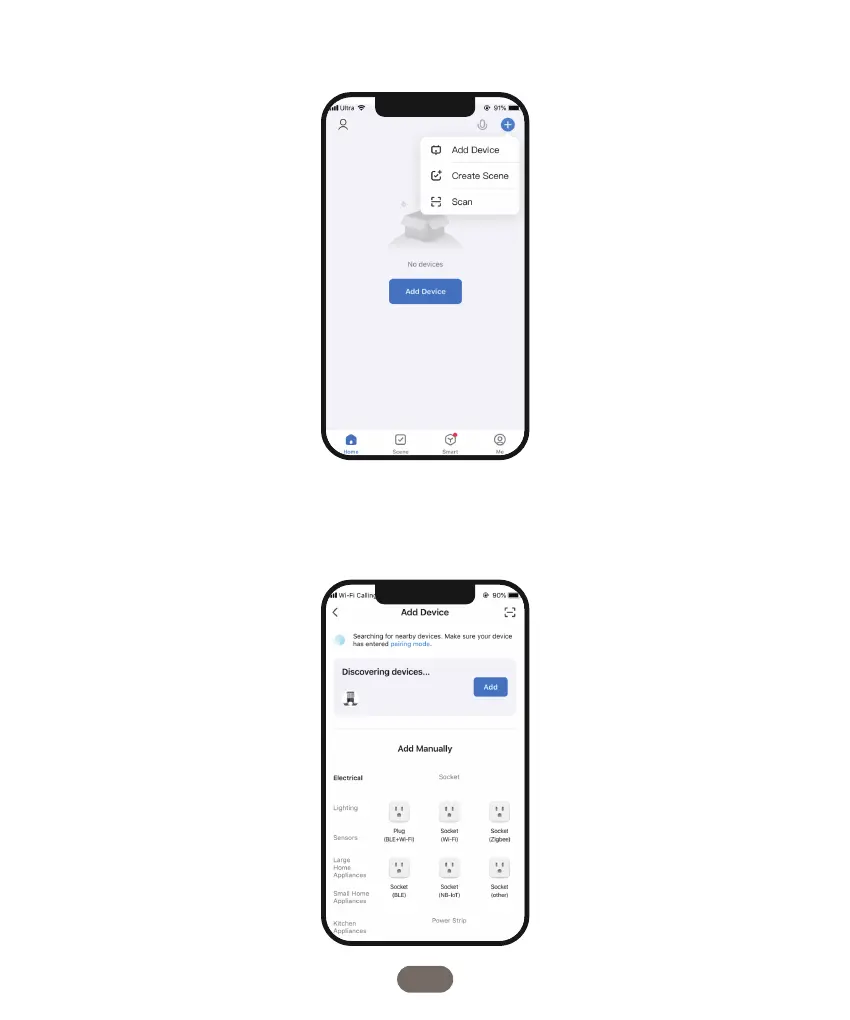
4. On the app, locate the "+" symbol on the right side and click on it to add a new feeder to
your account.
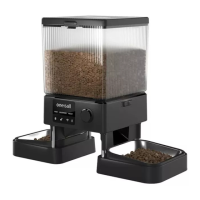
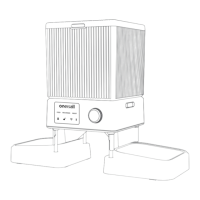
5. Within the app, utilize the “Add Device” feature to detect the device as depicted in the
provided image.
The model name of the device should be PFD-002 PRO. Once the device is identified, click
on the "Add" button to proceed.
07


 To Next Page