Note:
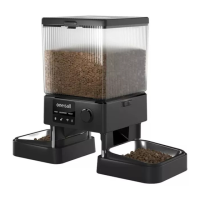
If you are using batteries as the sole power supply for the feeder, a battery icon will be
displayed on the device.
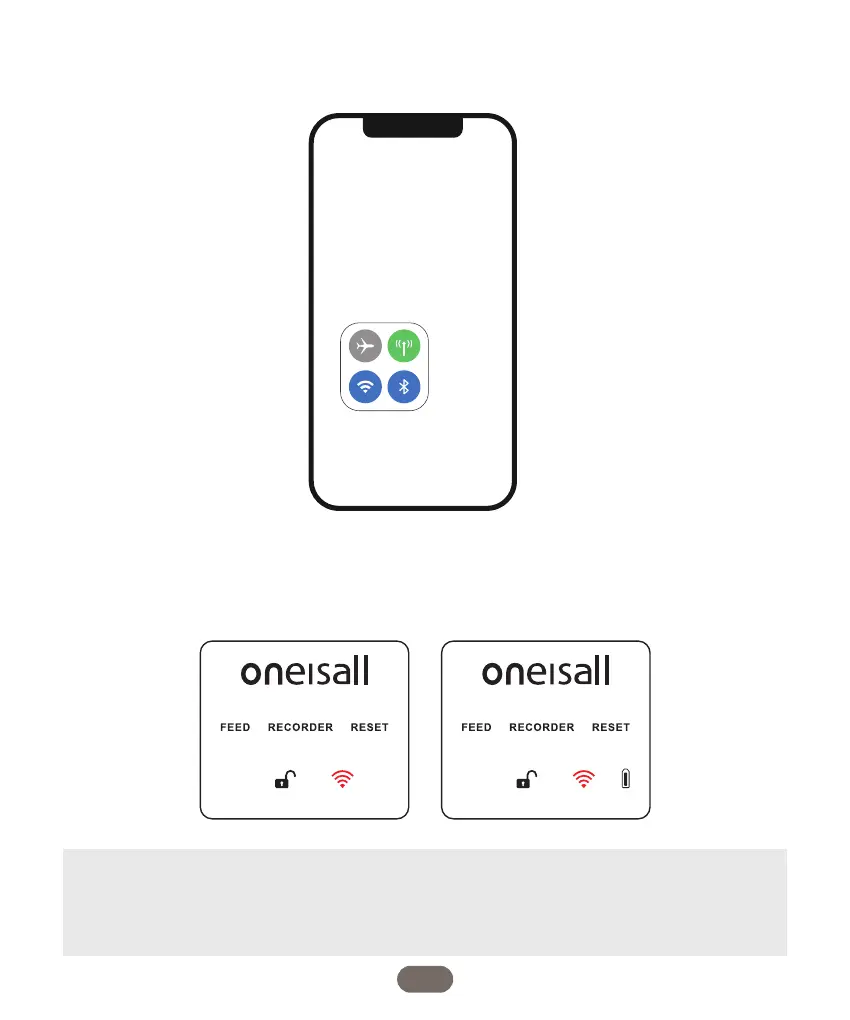
2. Turn on the Bluetooth feature on your mobile phone is turned on. Next, connect your
phone to a Wi-Fi network and enable GPS location services.
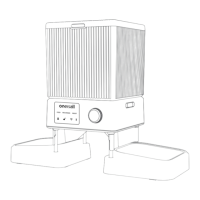
3. To activate the feeder, first, turn it on. Press and hold the dial button for approximately 3
seconds to unlock it. Then, rotate the dial to the RESET icon and hold it for 5 seconds. You
will notice that the WIFI icon will turn red and start flashing.
06


 To Next Page